

(Pre-Order)K1 Series CFS Upgrade Accessory Kit
£ GBP
£ GBP
Suitable for
Model

Please select product attributes before purchasing~~
Ship to
It is expected to arrive within and will cost
£
GBP to ship
This item can't be shipped to this Country/Region
Bundles
${ meal.title }
${ meal.skus }
${ sku.name }:
${ skuVal }
£${
meal.price }GBP
£${
meal.oldPrice }GBP
Quantity
28 Available
Add To Cart
Buy It Now
(Pre-Order)K1 Series CFS Upgrade Accessory Kit
${propertiesText}
x ${productNum}
Added to the cart
Continue To Shopping
View Cart
Note: The CFS Upgrade Kit is not compatible with split-type nozzles. If you wish to upgrade, you will need to purchase an integrated nozzle hotend separately.
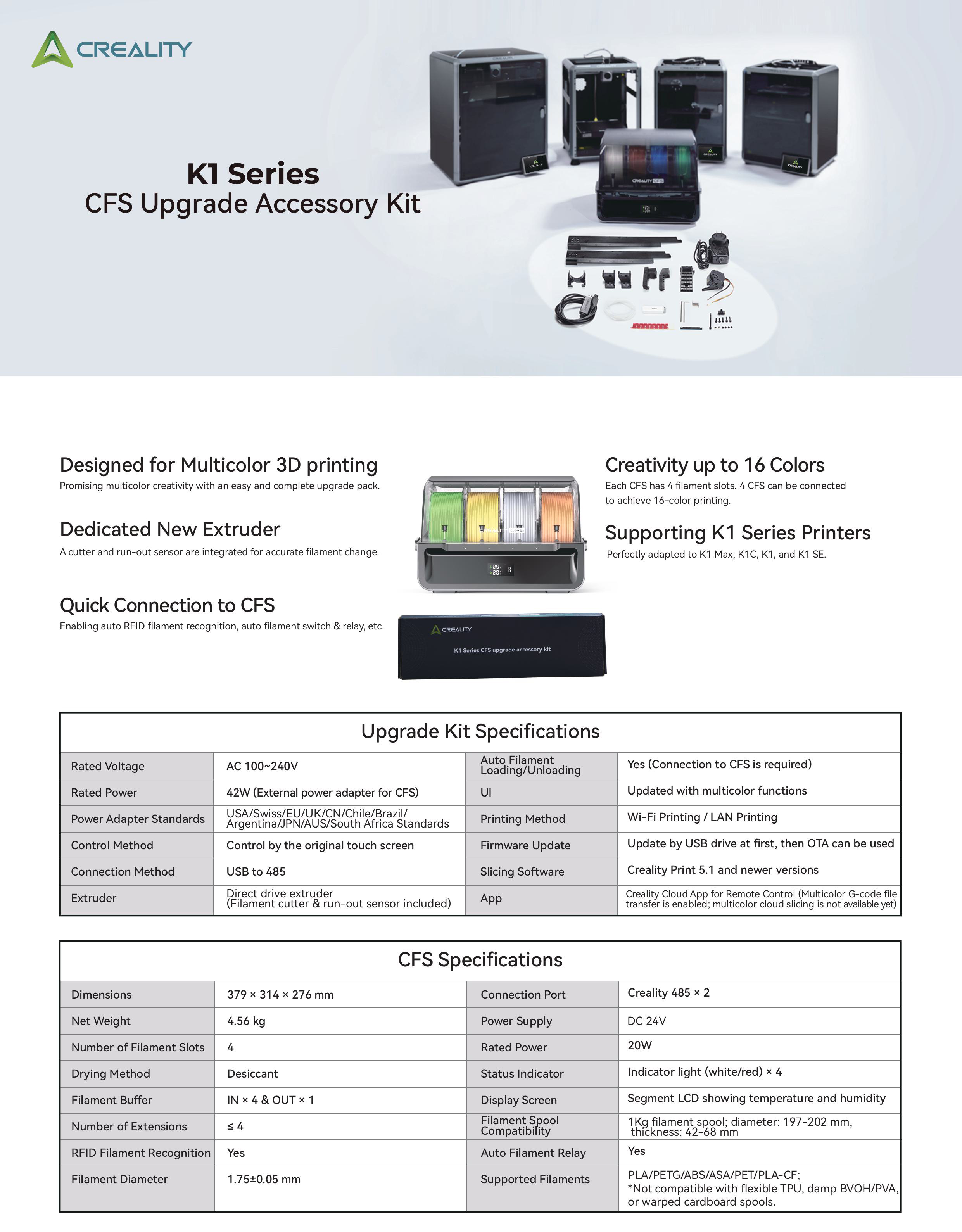
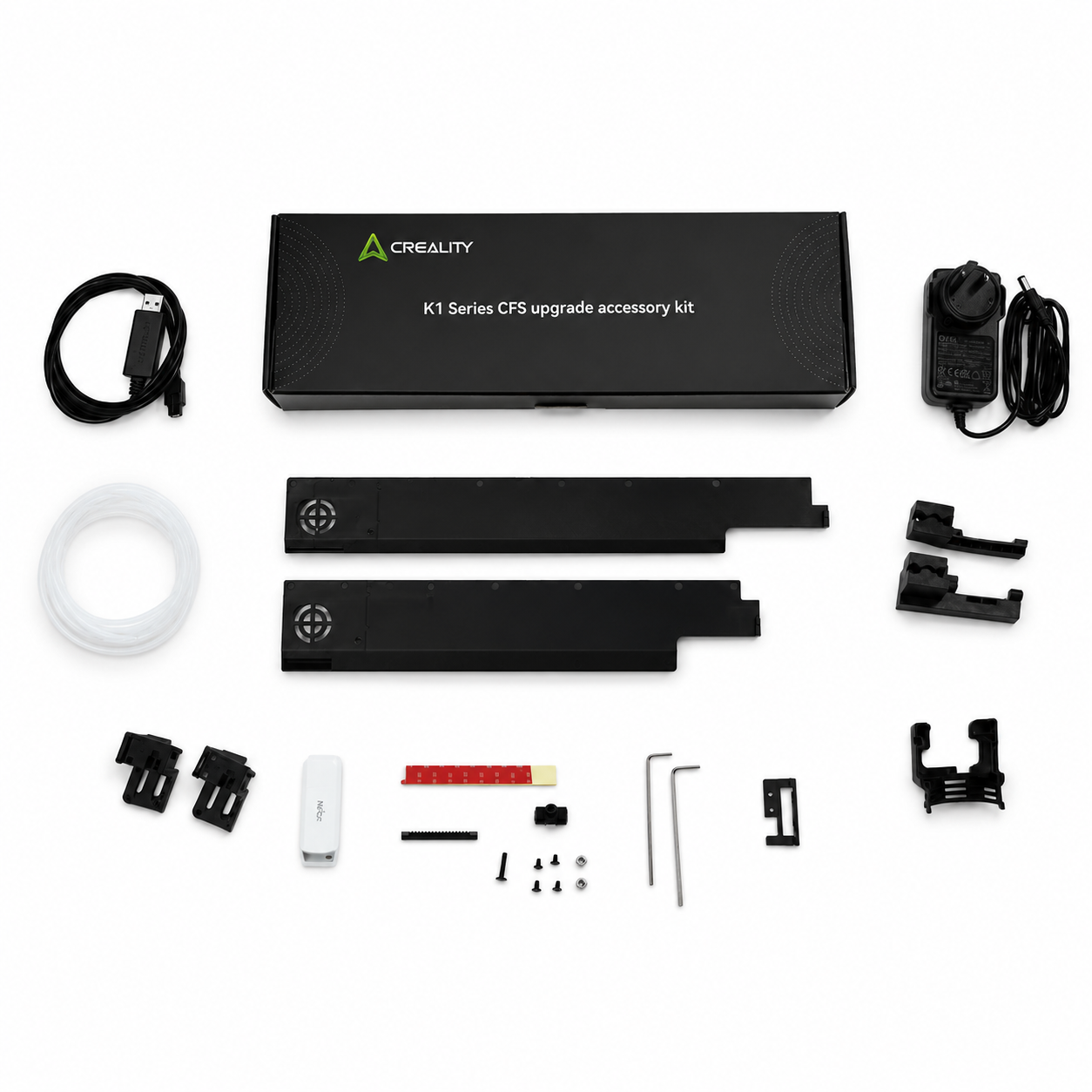
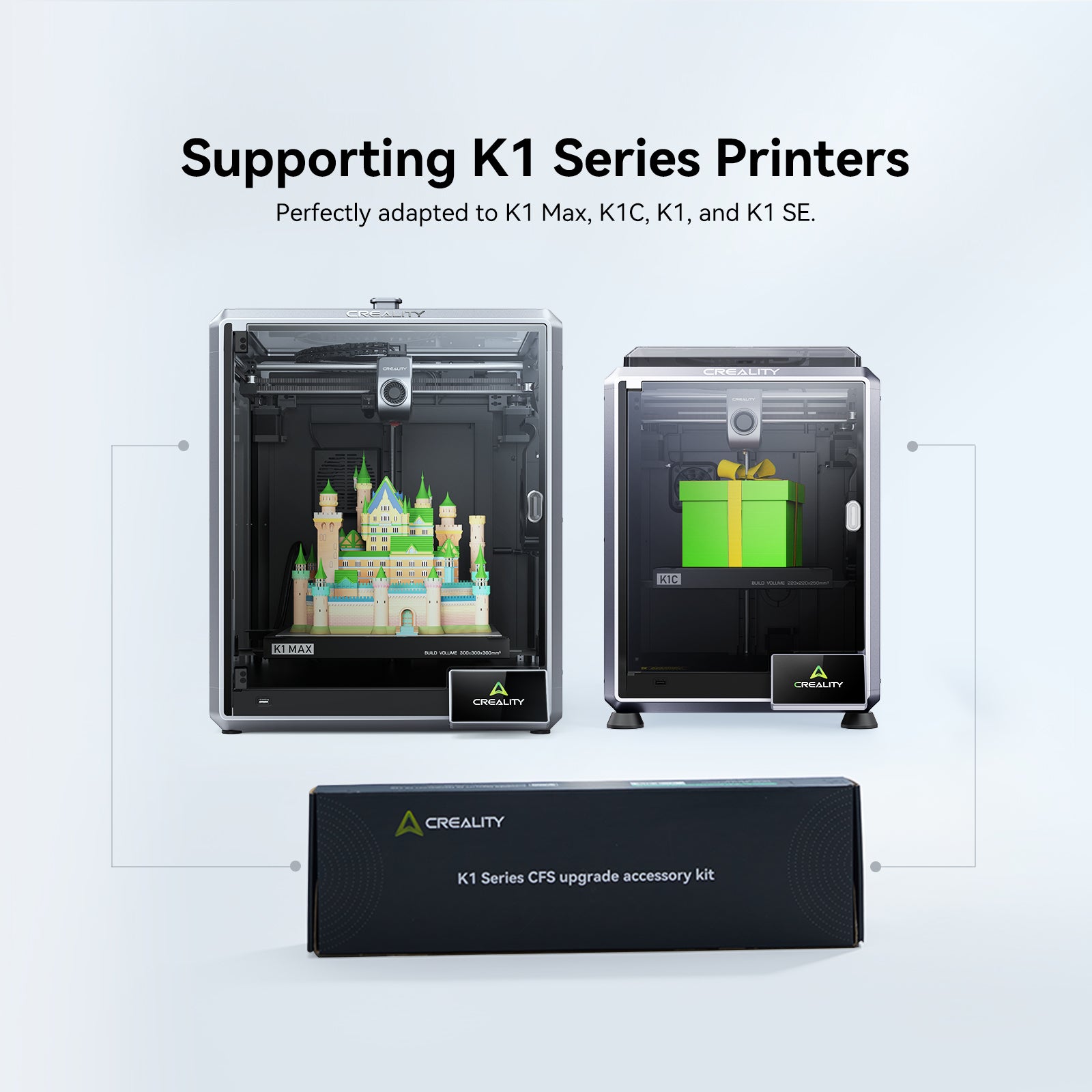
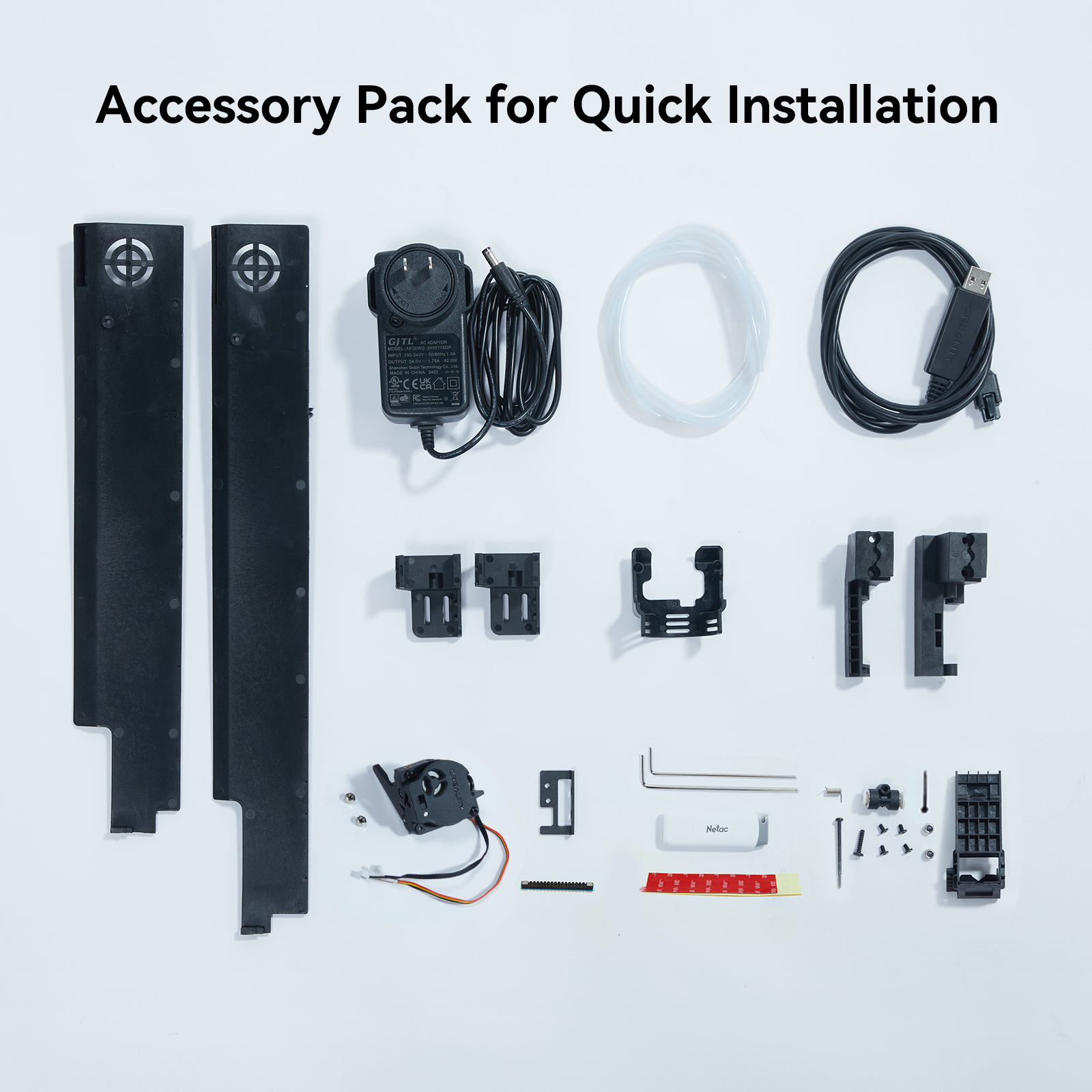
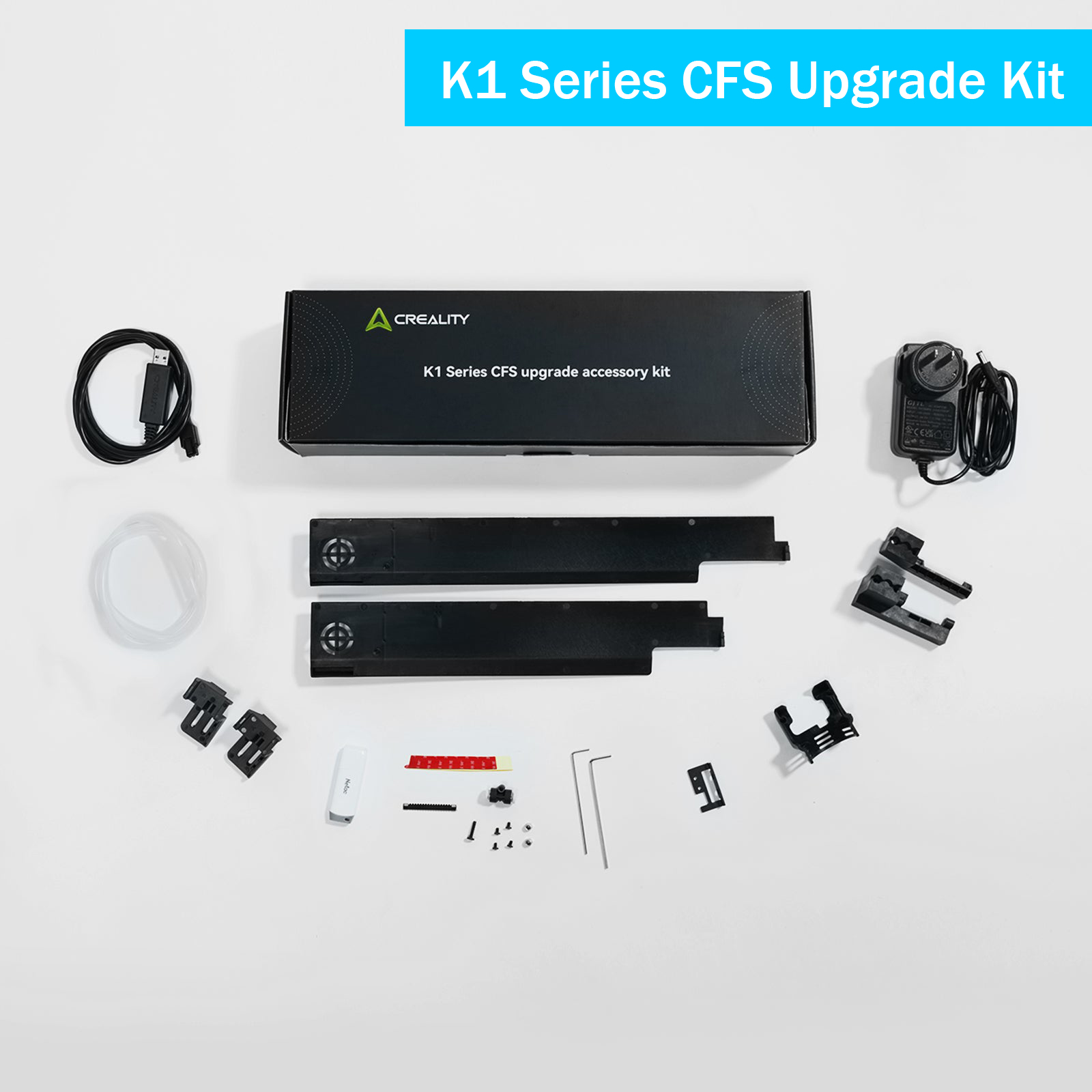
- Compatible Models: K1/K1 Max/K1C/K1 SE(With Integrated Nozzle)
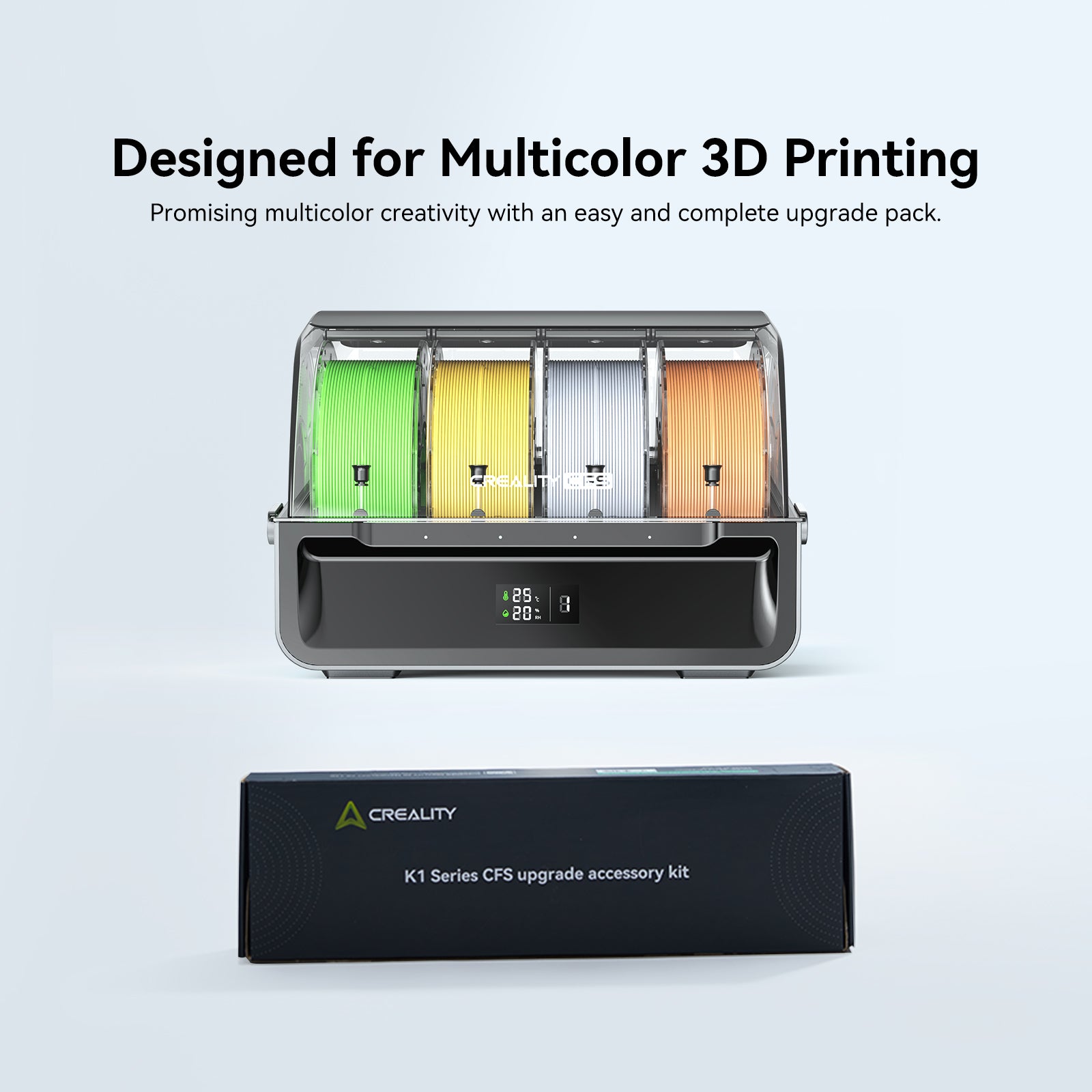
The CFS Upgrade Kit is not compatible with split-type nozzles. If you wish to upgrade, you will need to purchase an integrated nozzle hotend separately - Designed for Multicolor 3D printing: Promising multicolor creativity with an easy and complete upgrade pack.
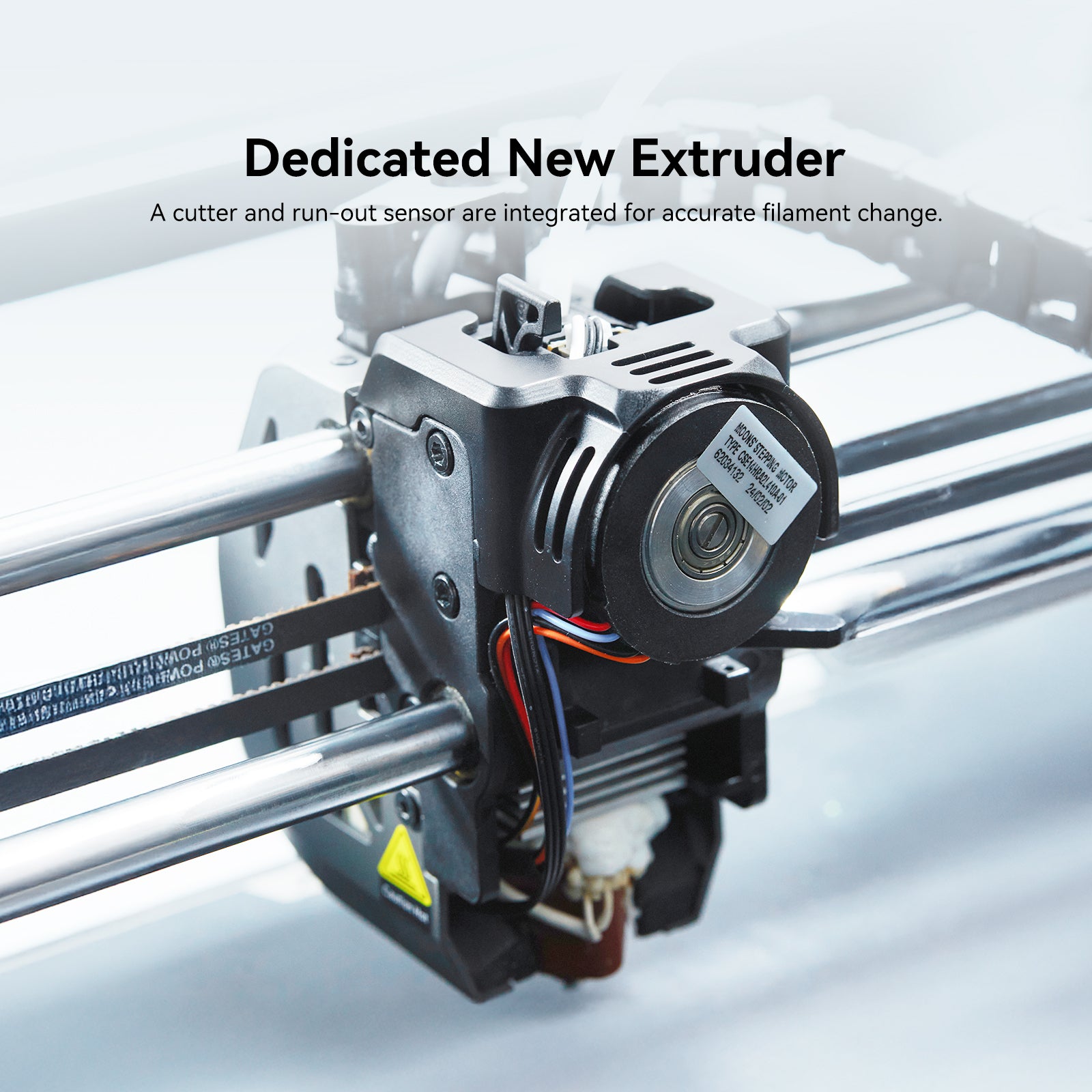
- Dedicated New Extruder: A cutter and run-out sensor are integrated for accurate filament change.
- Quick Connection to CFS: Enabling auto RFID filament recognition, auto filament switch & relay, etc.
- For detailed information about this kit, visit the official free knowledge-sharing platform: Creality Wiki.
-
Tips:* Please update the firmware (Creality OS) with the included USB drive upon the upgrade. For subsequent updates, you can use the OTA function.* While using CFS, the print size of K1, K1C and K1 SE changes to 220 × 215 × 250 mm, and the print size for K1 Max changes to 300 × 295 × 300 mm. The print size stays unchanged if you use the stock spool holder.
- Note: When upgrading to multicolor printing, the USB port remains functional but will be occupied during the process. Additionally, the PTFE tube must be fed into the printer vertically, which prevents the top cover from fully closing. Improper alignment may lead to tube friction or feeding issues.

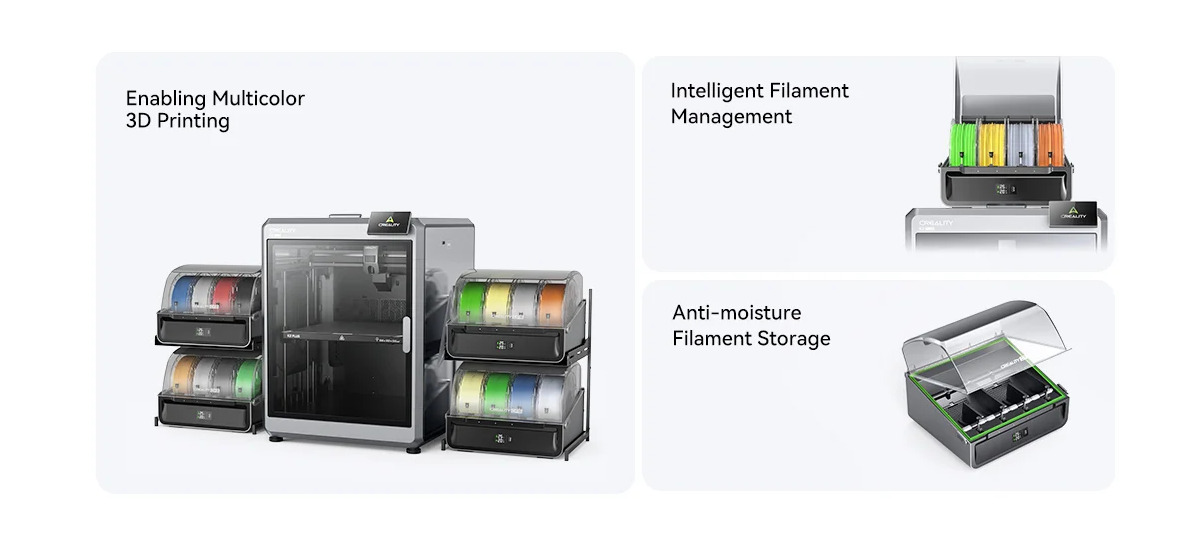
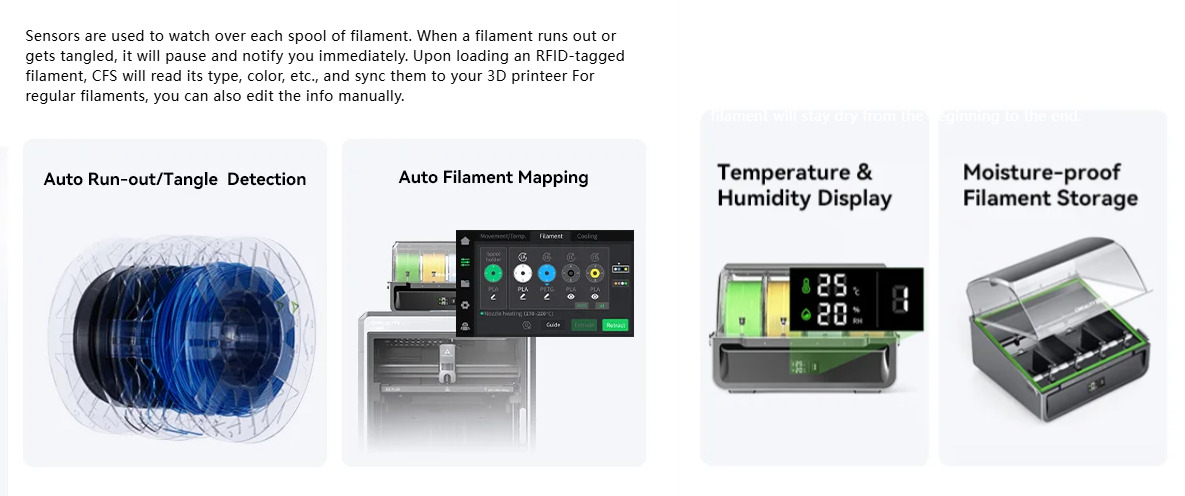
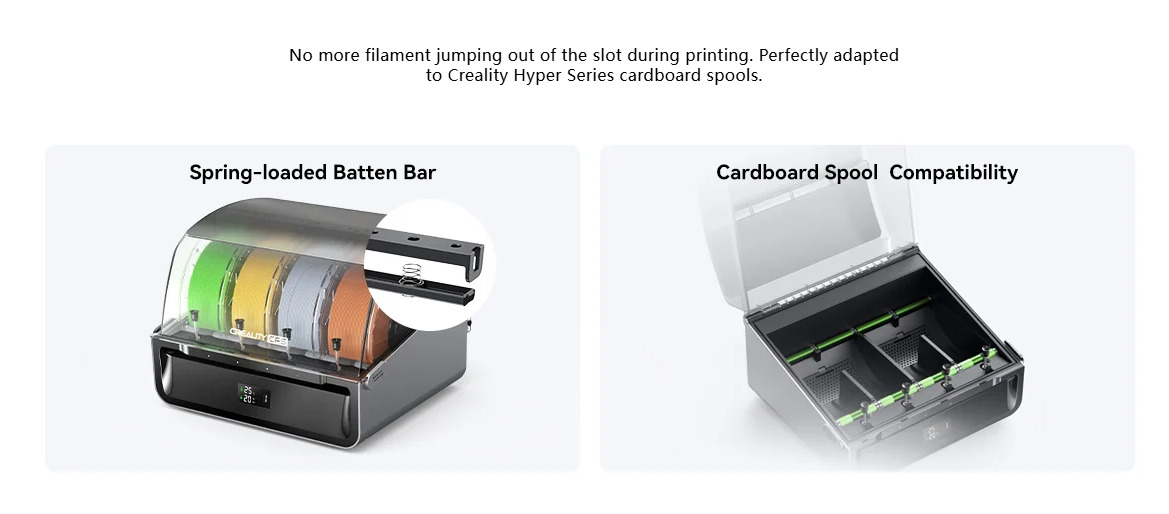
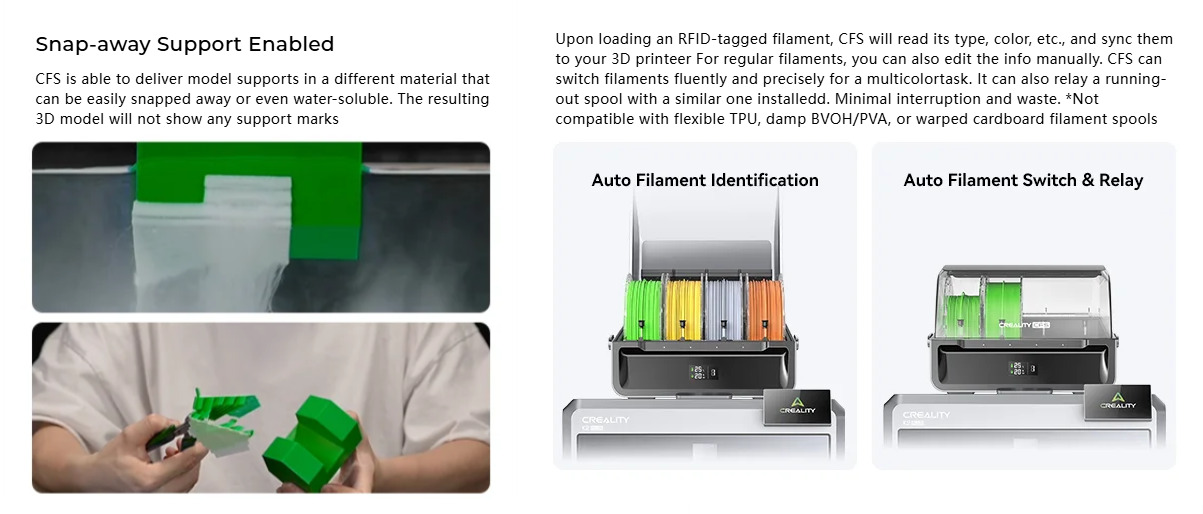
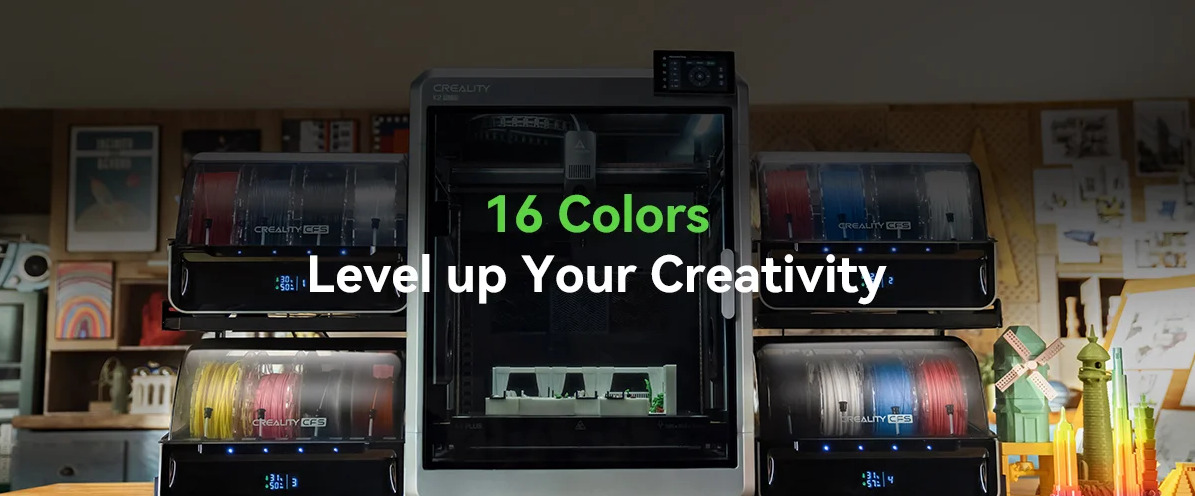
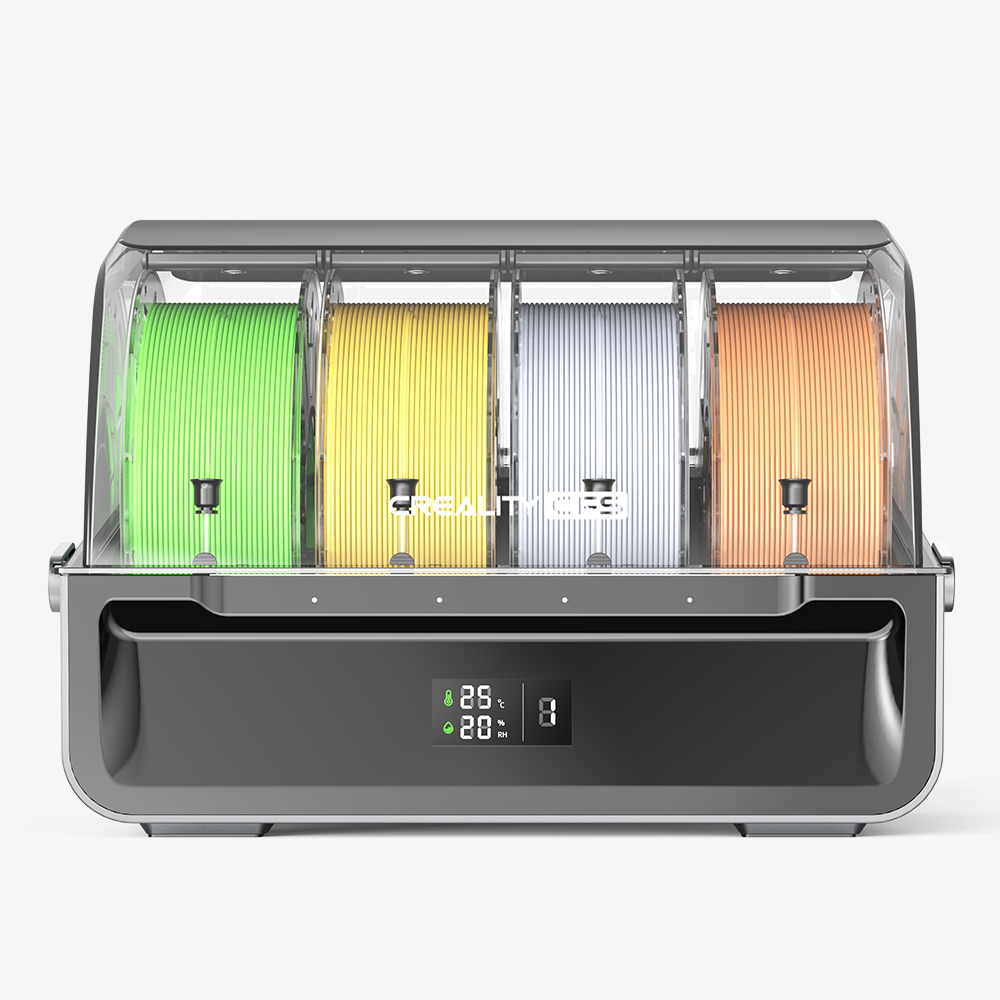
Creality CFS Filament Management System
Product: CFS
Dimensions: 379*314*276 mm
Net Weight: 4.56kg
Number of Filament Slots: 4
Drying Method: Desiccant
Filament Buffer: IN*4 & OUT*1
Number of Extensions: ≤4
RFID Filament Recognition: Yes
Filament Diameter: 1.75±0.05mm
Supported 3D Printer: K2 Plus
Connection Port: Creality 485 *2
Power Supply: DC 24V (No need of extra power supply while connected to K2 Plus)
Rated Power: 20W
Status Indicator: Indicator light (white/red) x 4
Display Screen: Segment LCD showing temperature and humidity
Filament Spool Compatibility: 1Kg filament spool; diameter: 197-202mm, thickness: 42-68mm
Supported Filaments: PLA/PETG/ABS/ASA/PET/PLA-CF; *Not compatible with flexible TPU damp BVOH/PVA, or warped cardboard spools.
Customer Reviews
Based on 1 reviews
0%
(0)
0%
(0)
100%
(1)
0%
(0)
0%
(0)
Write A Review
Ask A Question
Neil Machin
Hi all. I had the original K1 and K1 max and thought why not upgrade so i purchased 2 x CFS upgrade kits. In the box you have the contents to support both K1 AND K1 MAX. The process wasn't too difficult to do as i followed videos online and took my time, which is key. Once completed i plugged in the USB supplied in the box and the upgraded the firmware. I plugged in the CFS and followed the instructions for calibration and purge settings. All went pretty good at the start. The problem was with the firmware causing issues with screen fade and non responsive during prints to lidar not working correctly also. Creality don't make it easy to get updated firmware, which isn't included on the creality firmware page on the website due to it being V2 FIRMWARE not V1. The firmware V2.3.5.34.img became available, but wasn't easy to find unless searching forums and facebook. The firmware support feels to be a second thought for K1 users yet it isn't cheap to upgrade being £300+ for the kit and CFS. Creality please sort the firmware issues out mostly for the K1 Max so we can all use the features that are advertised on the website. The upgrades you will need to do, which also costs is the Unicorn nozzle upgrade and also possibly the Toolhead PCB due to being the v12 on older models. You can purchase this online for around £20 for the v13 PCB. As you can tell it really does add up in cost so we need better firmware support overall. I really hope they do fix the issues as i cannot afford to upgrade to the newer K2 versions. Overall due to the firmware and download issues it loses 2 stars. They can make this work if they just give it some time.If they release a firmware to fix the issues then it would have been a 5 star review because these printers have some great potential. Cheers

£
GBP
£
GBP
ADD TO CART
BUY IT NOW
Write a review
*Name
*Email
*Body of Review
*Rating
Customer Image
Submit Review
Ask a Question
*Name
*Email
*Question
Submit Question