

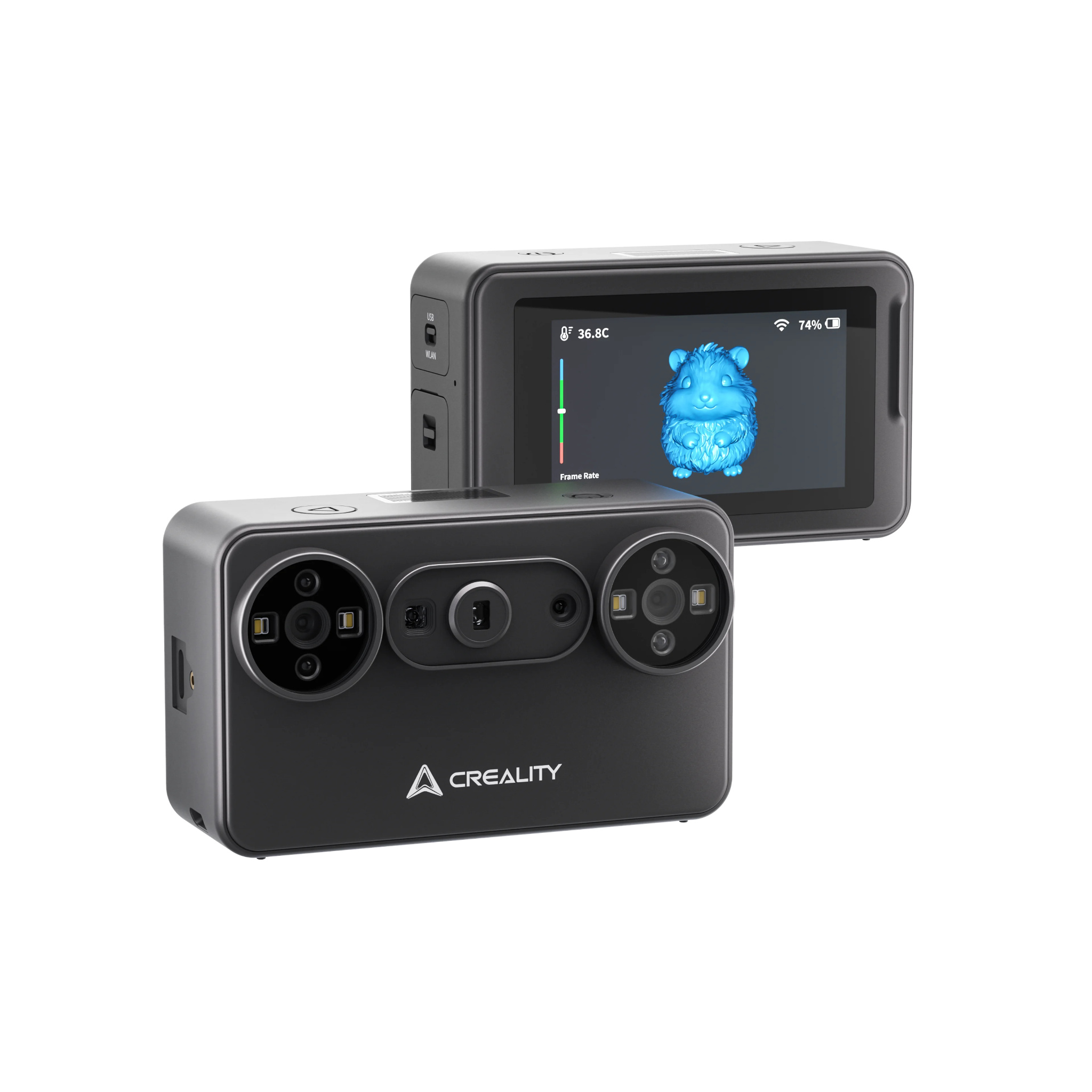

(In Stock) Creality Pika Portable AI 3D Scanner
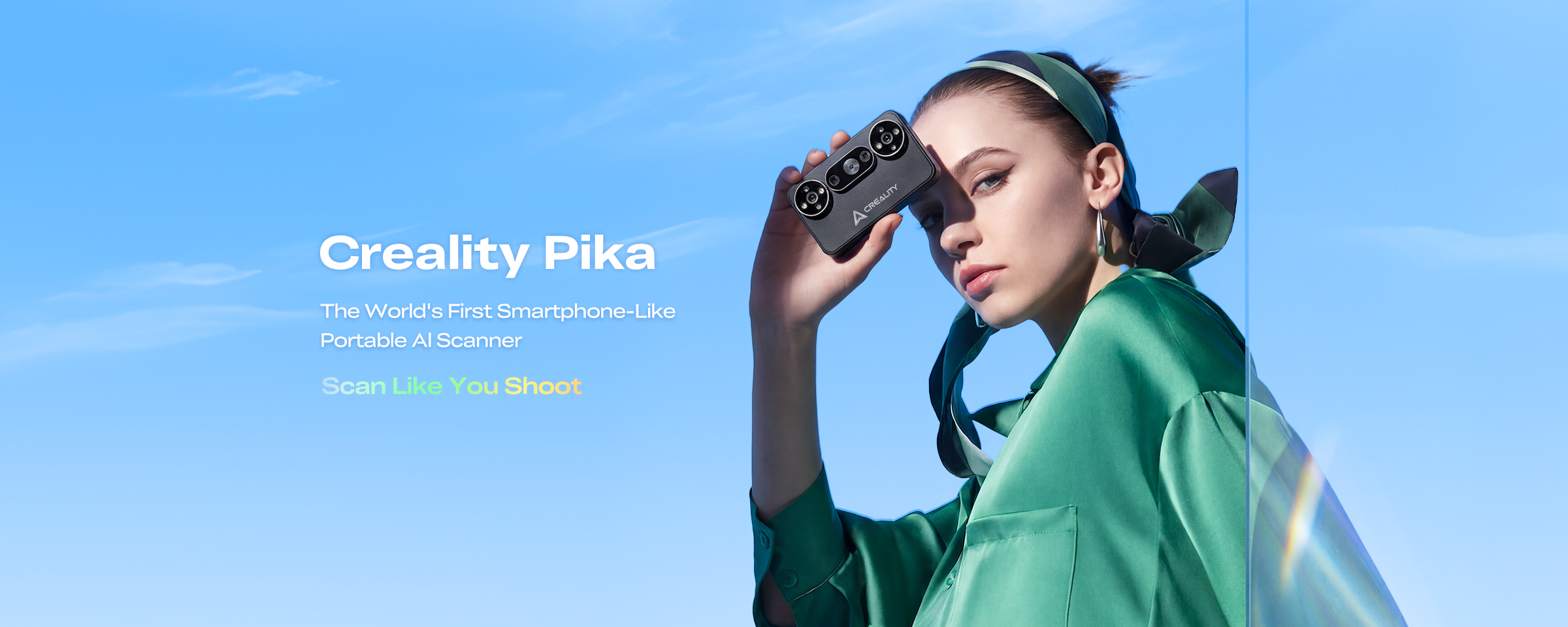
The World's First Smartphone-Like Portable Al Scanner
£ GBP
£ GBP
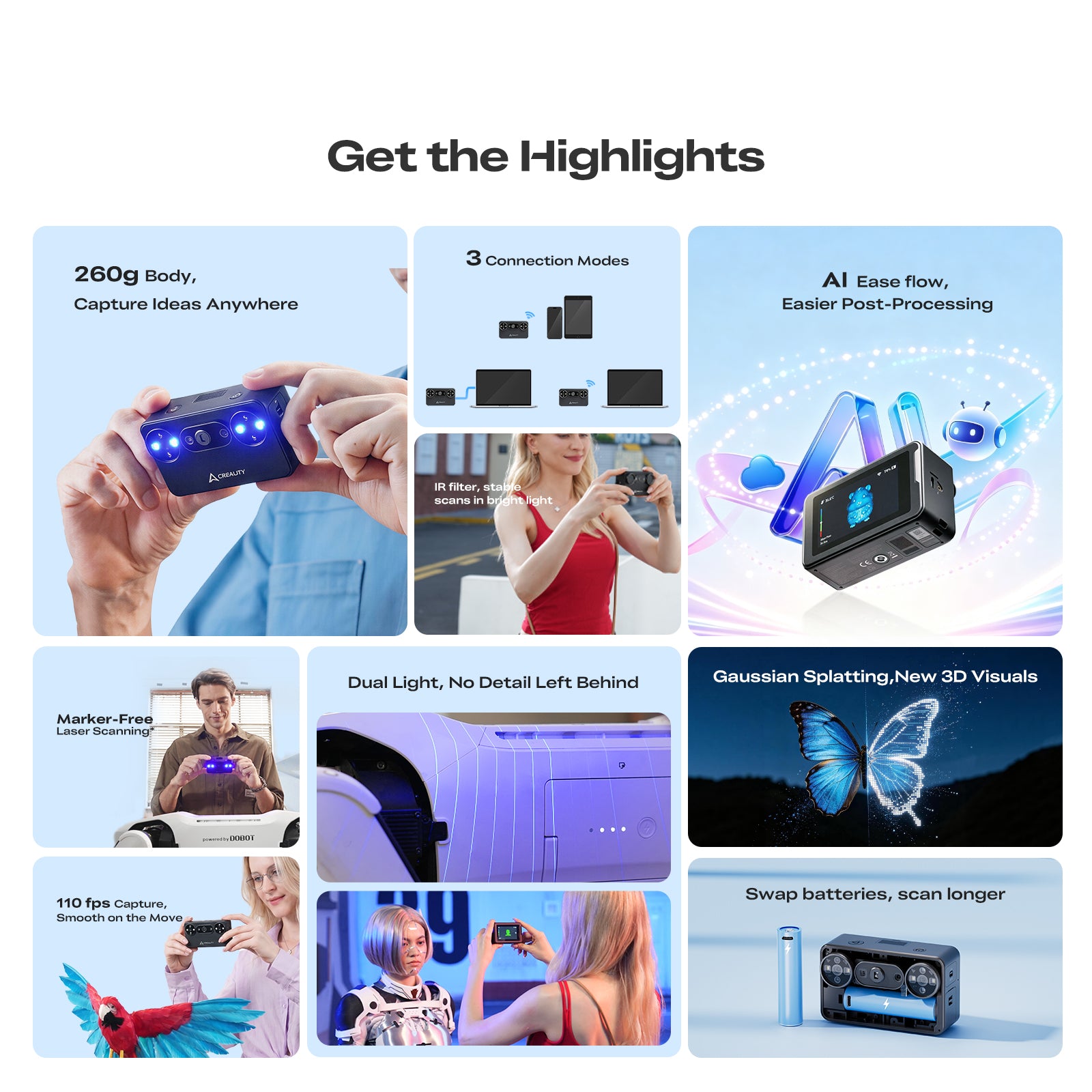
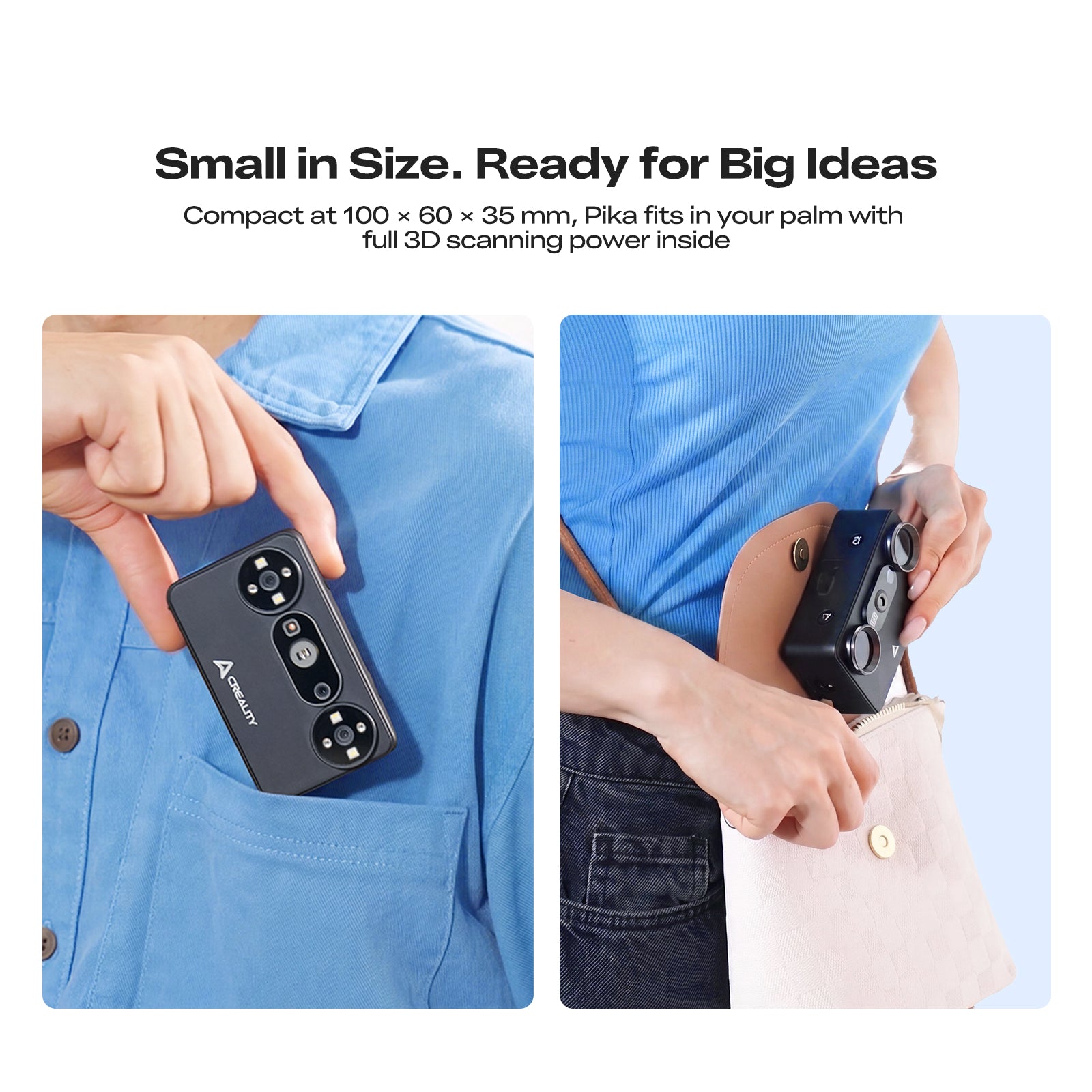
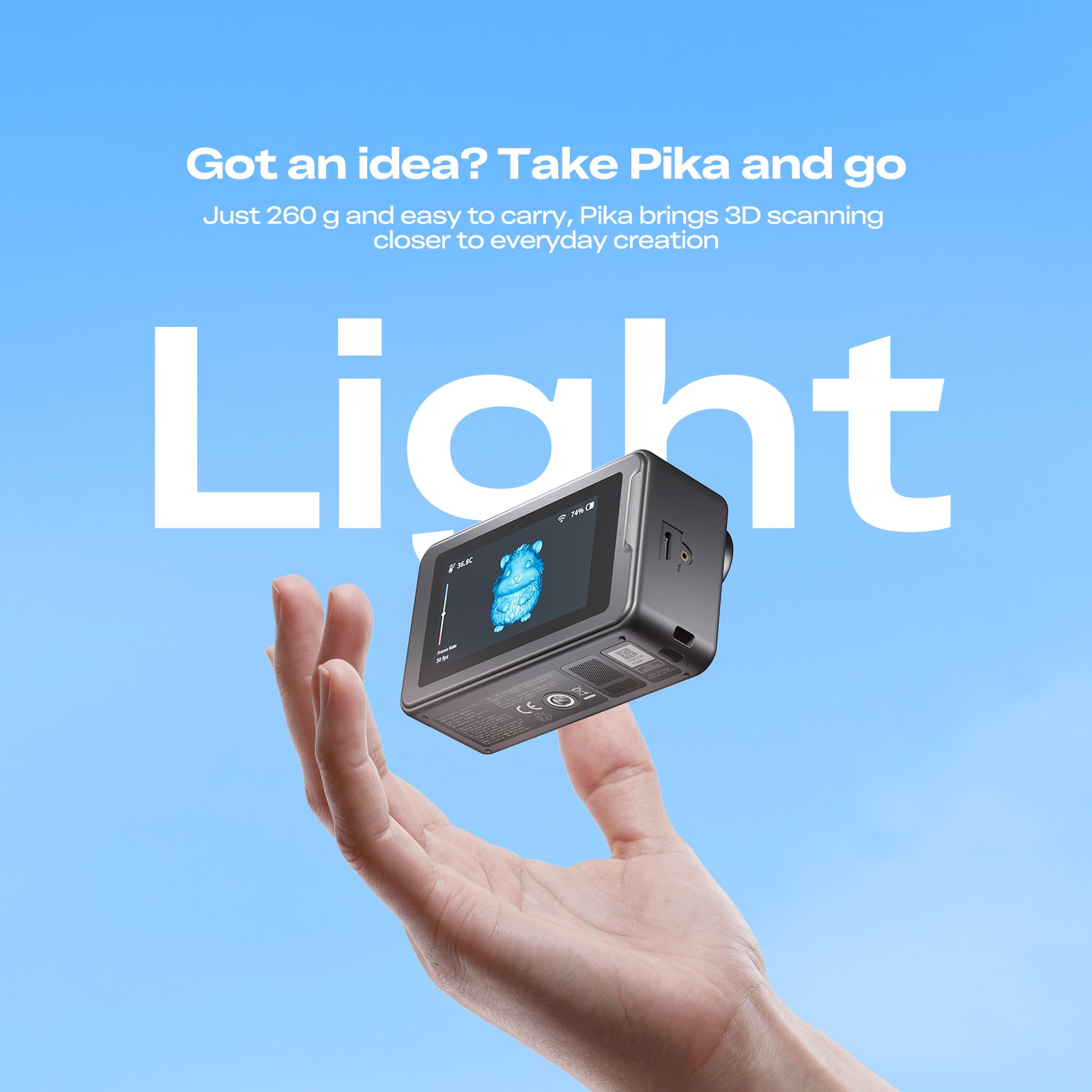
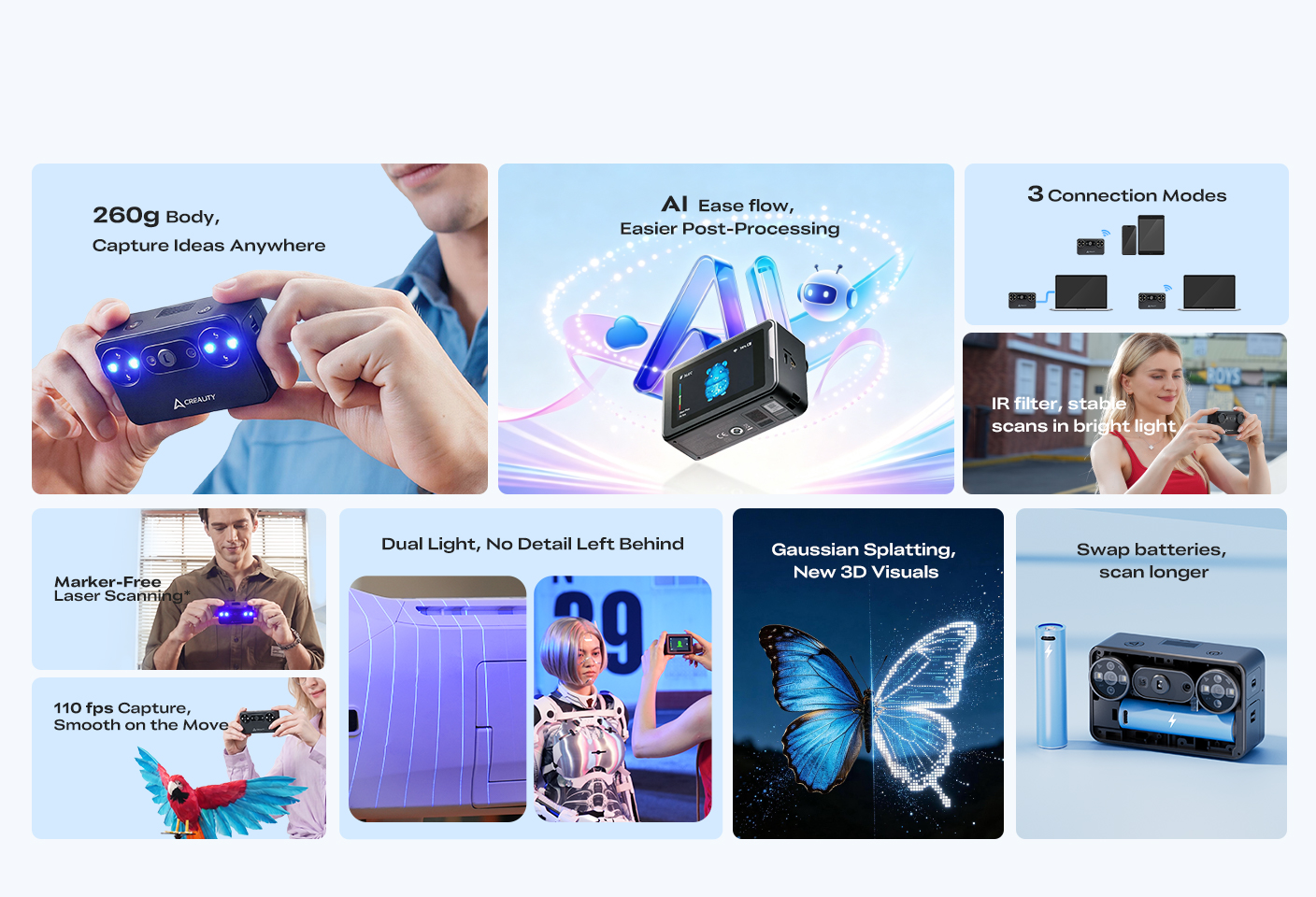
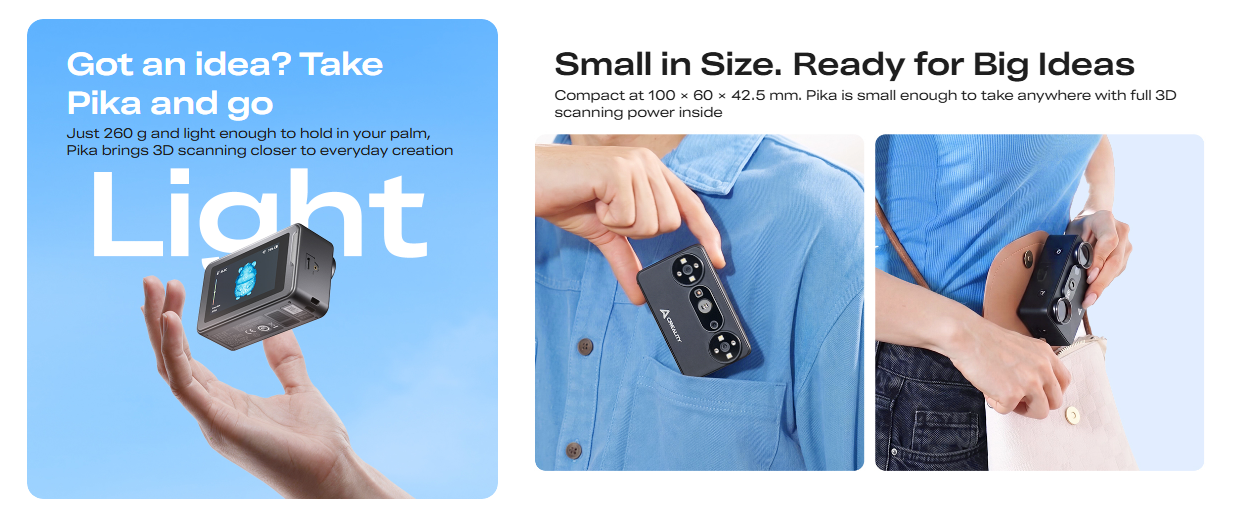
- Ultra Portable — Weighing just 260g, scan anytime and anywhere with ease.
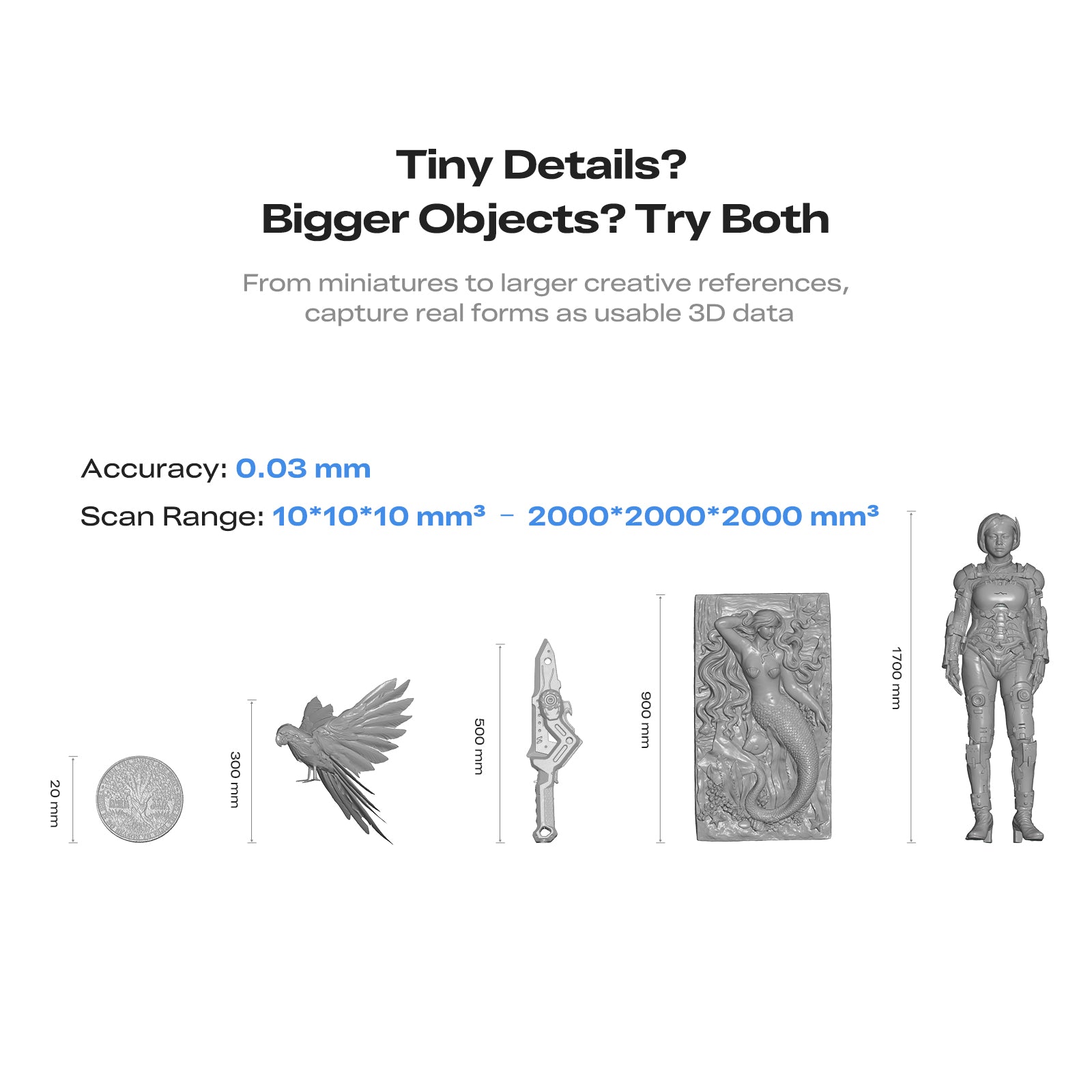
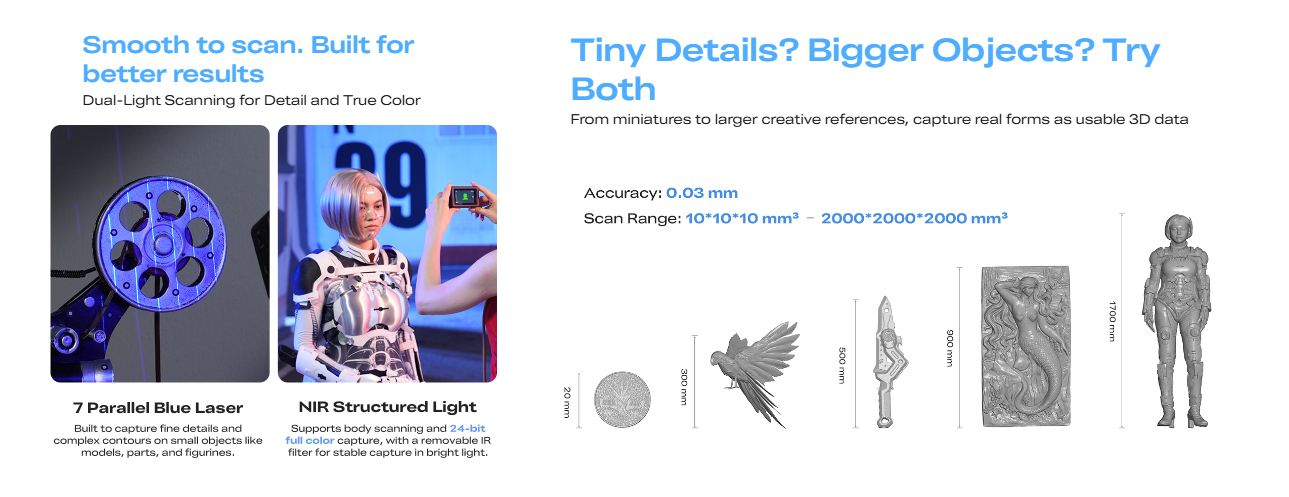
- High-Precision Scanning — Capture fine details with up to 0.03 mm accuracy.
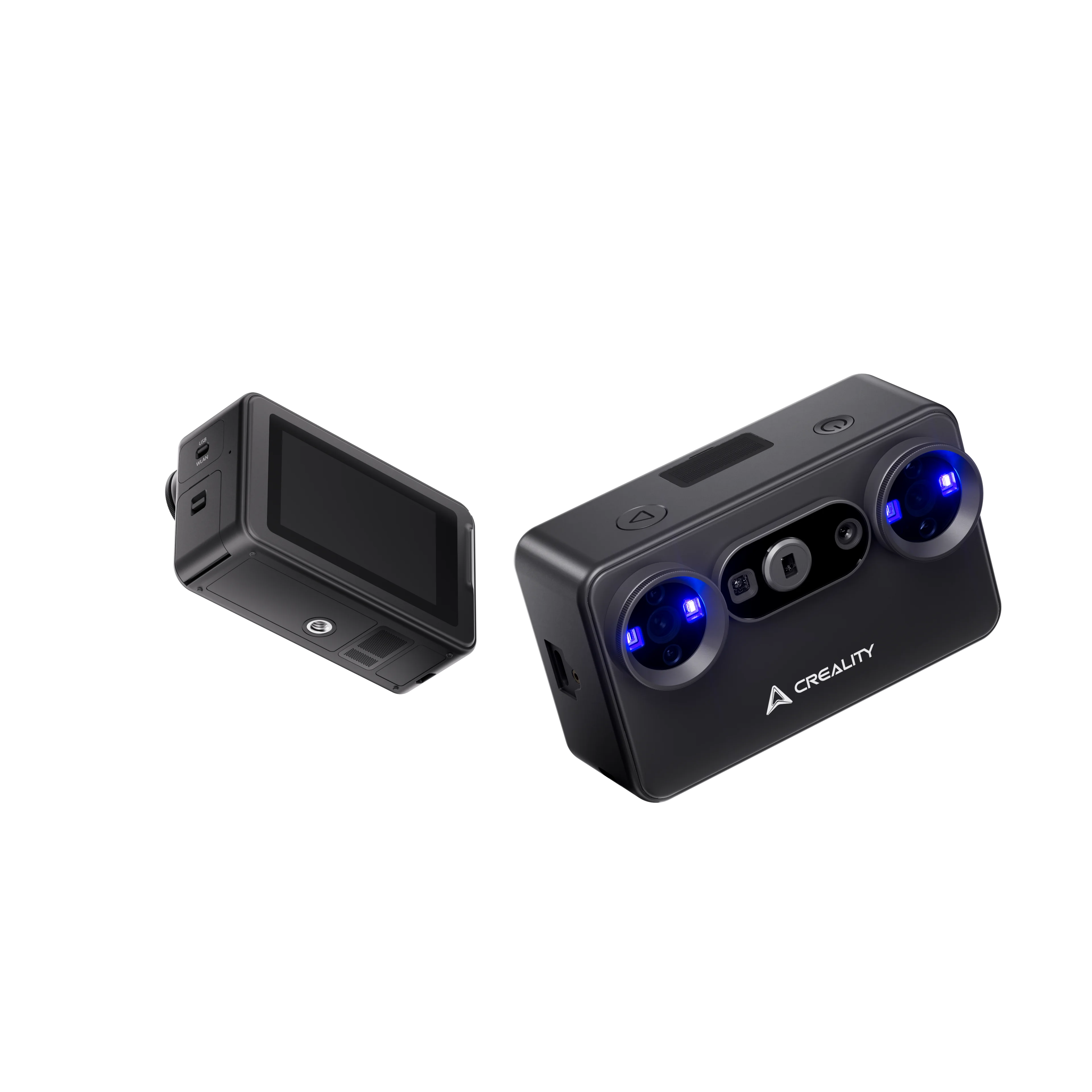
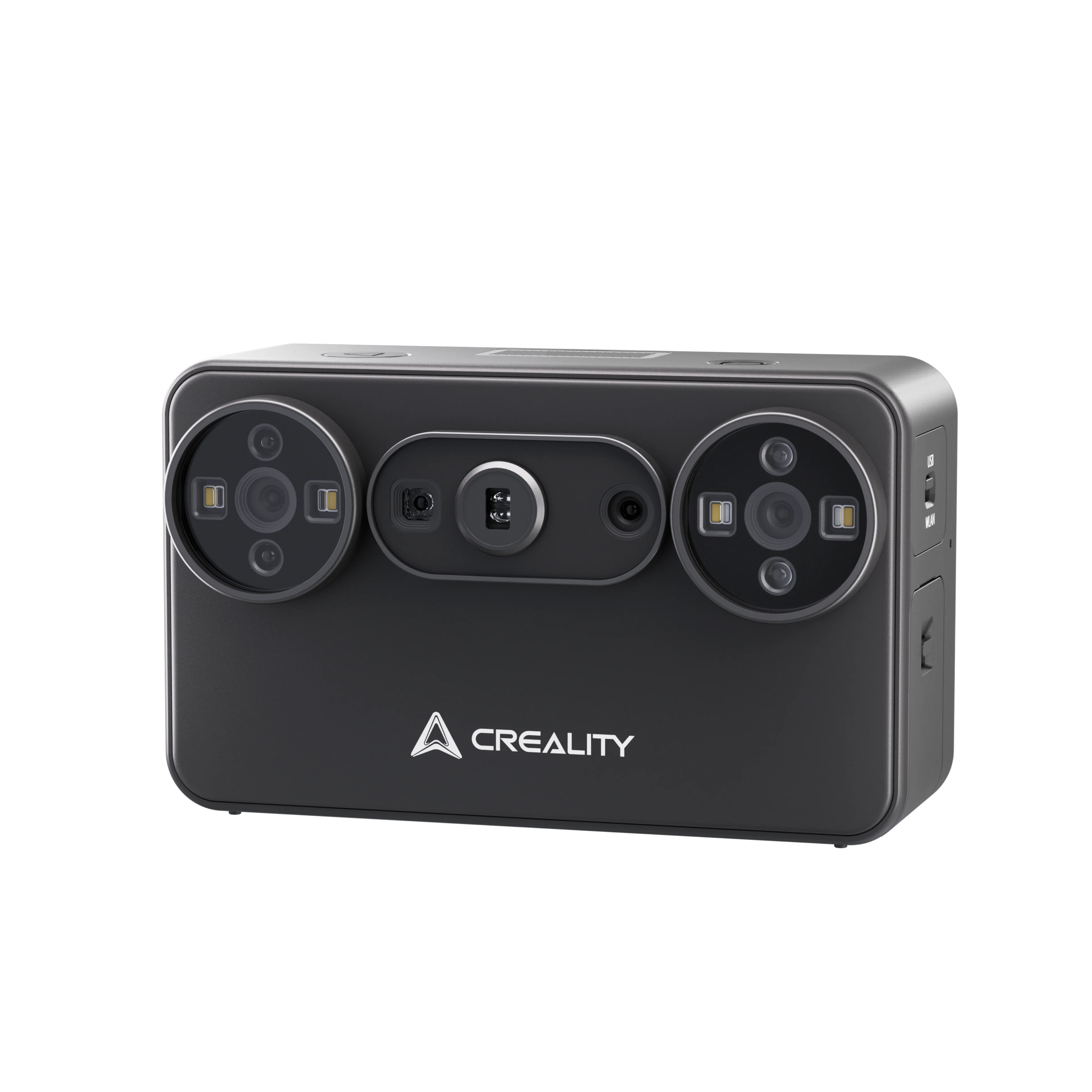
- Dual-Light System — Blue Laser and NIR technology for versatile object scanning.
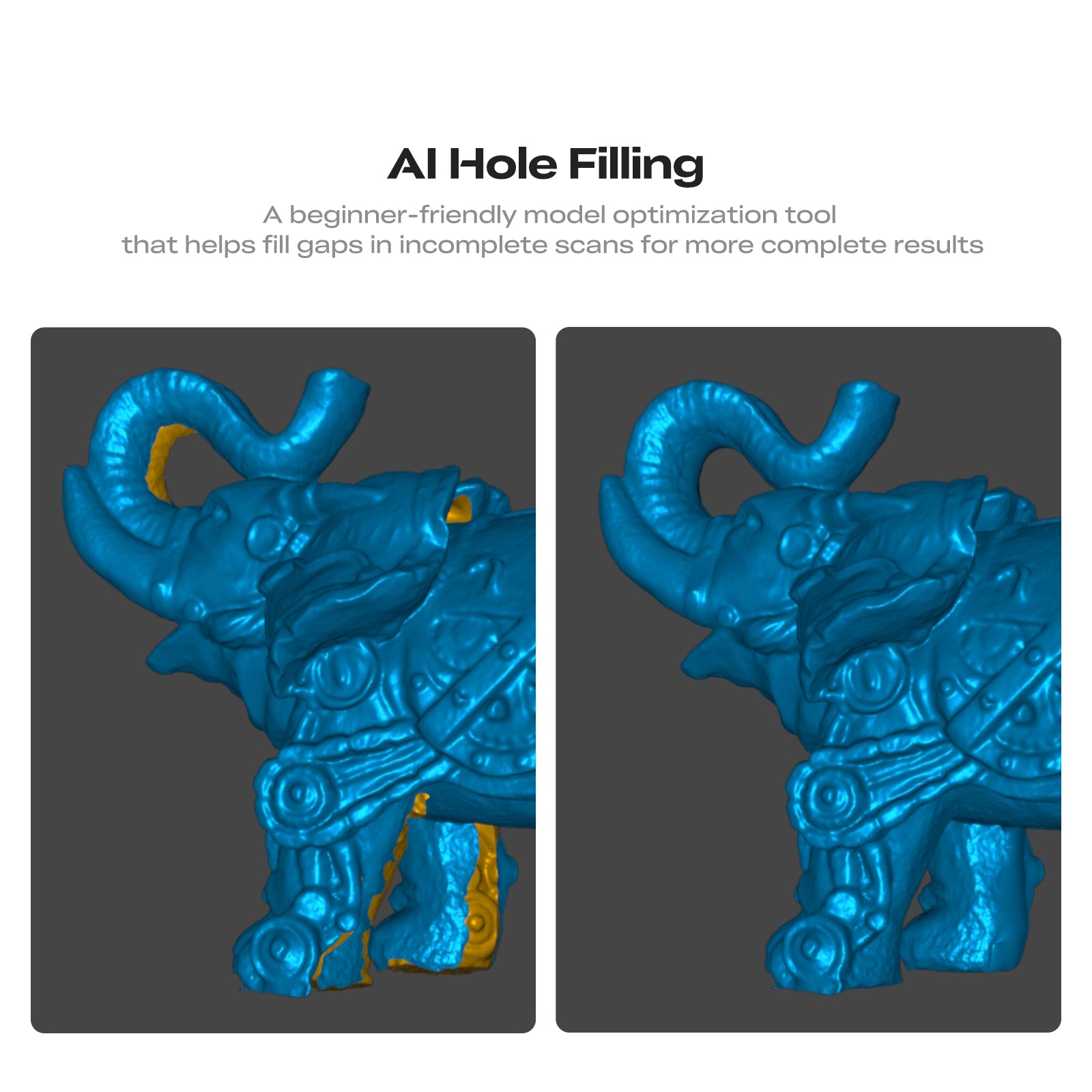
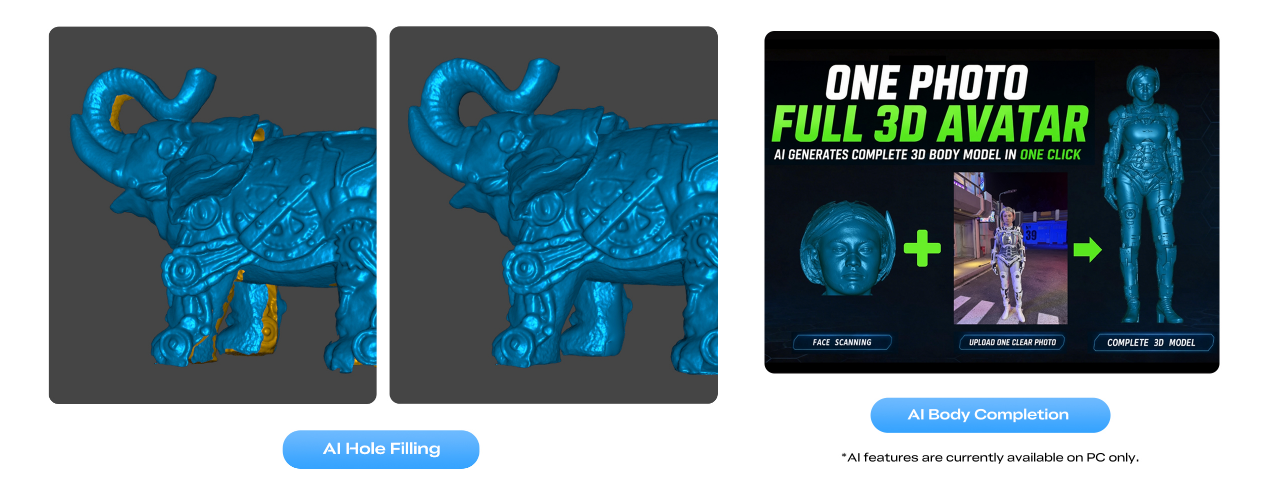
- Smart AI Processing — Generate cleaner 3D models with intelligent data optimization.
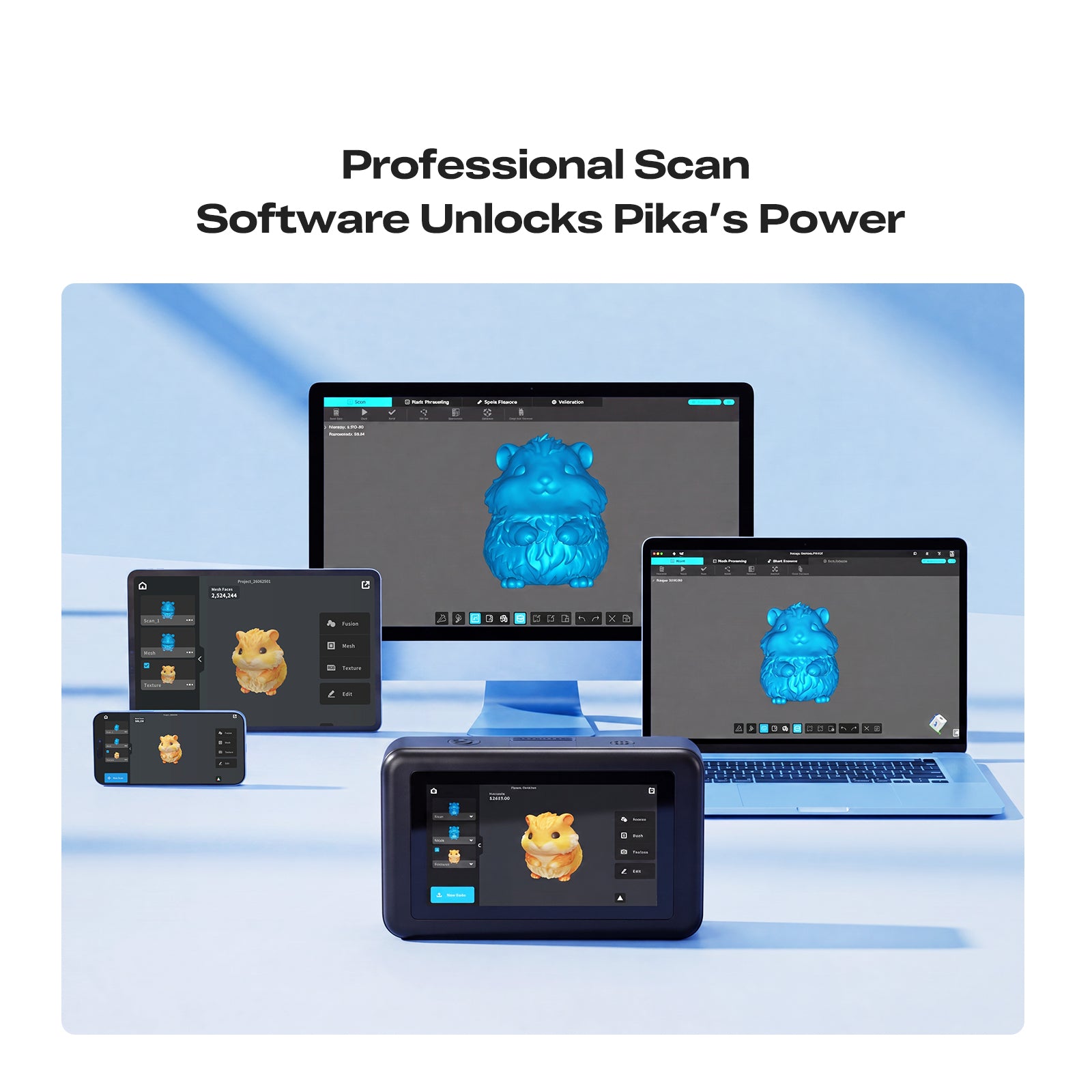
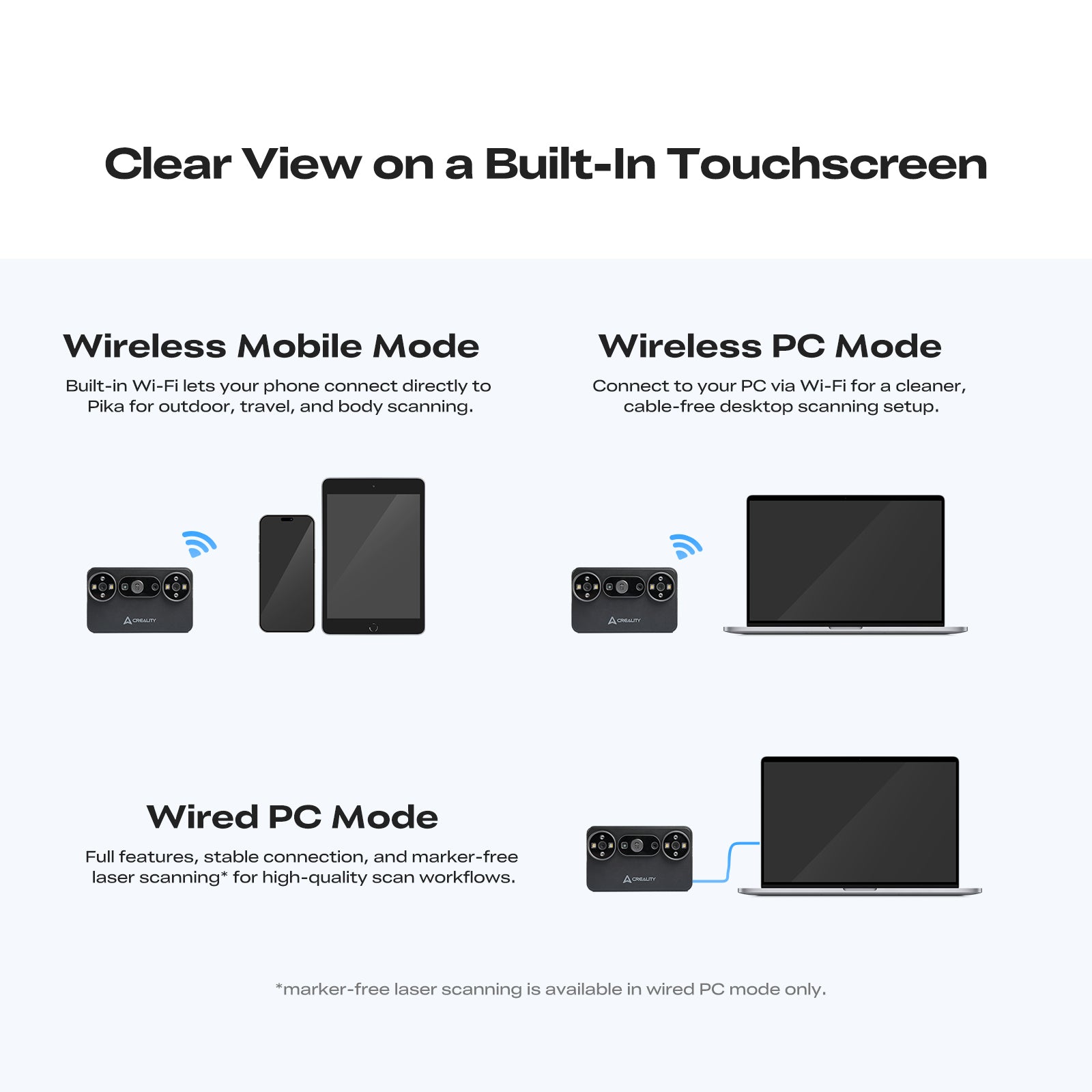
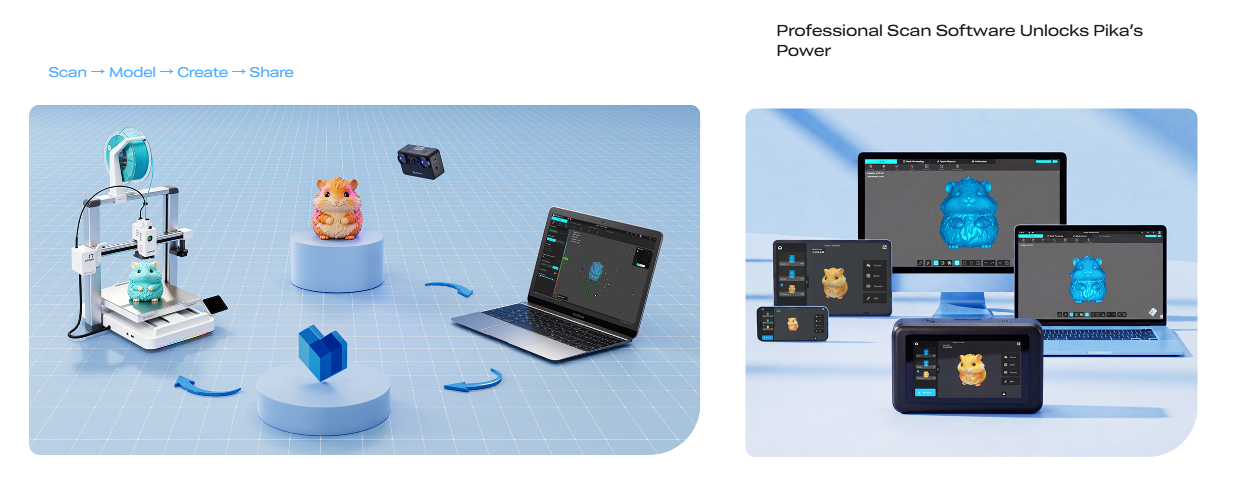
- Flexible Wireless Workflow — Connect to a compatible phone or PC for a cleaner, more flexible scanning setup.
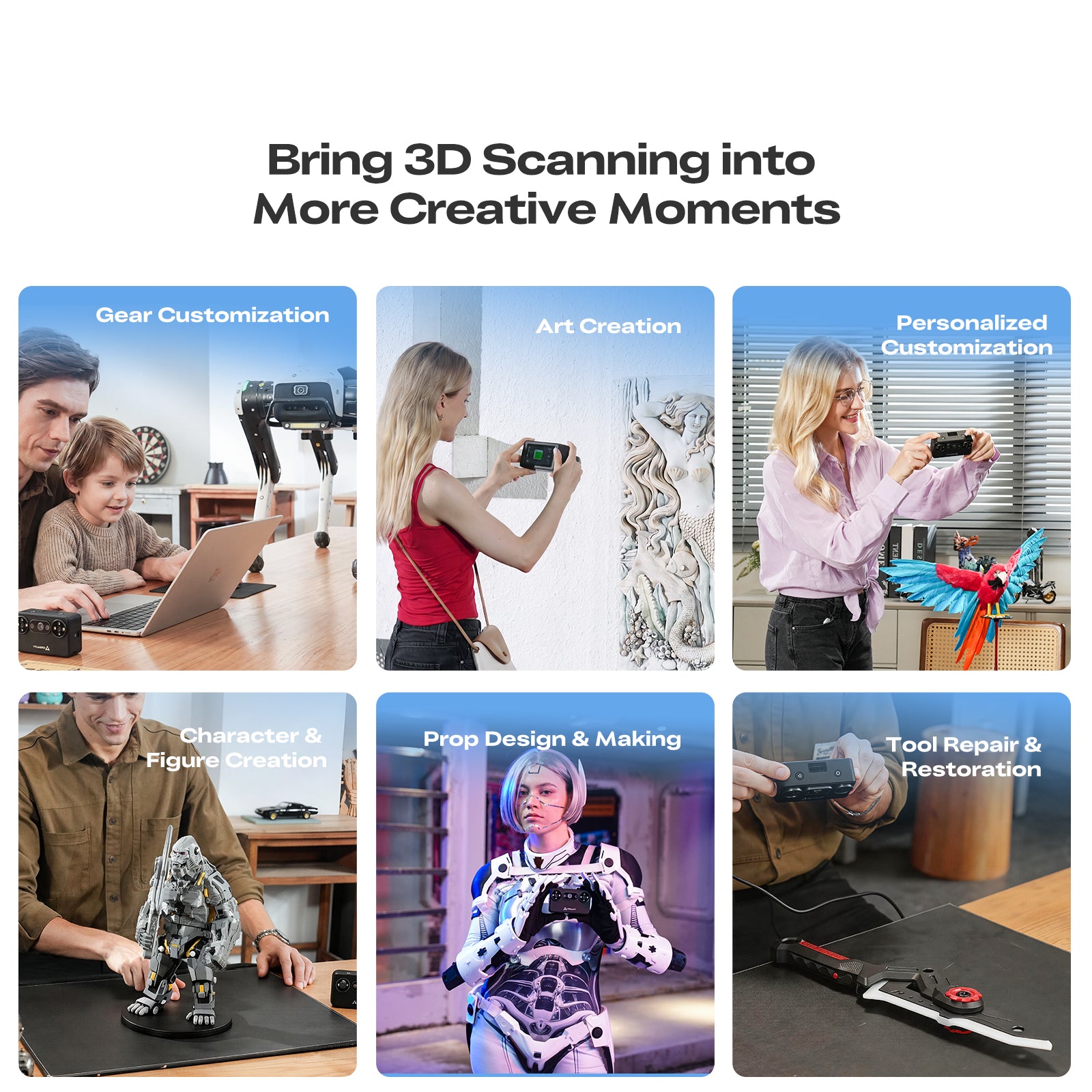
- Perfect For — 3D Printing • Product Design • Makers • Education • Reverse Engineering
| Specification | Details |
|---|---|
| Scanning Modes | 7 Parallel Blue Laser / NIR Structured Light |
| Accuracy | Up to 0.03 mm / Up to 0.1 mm |
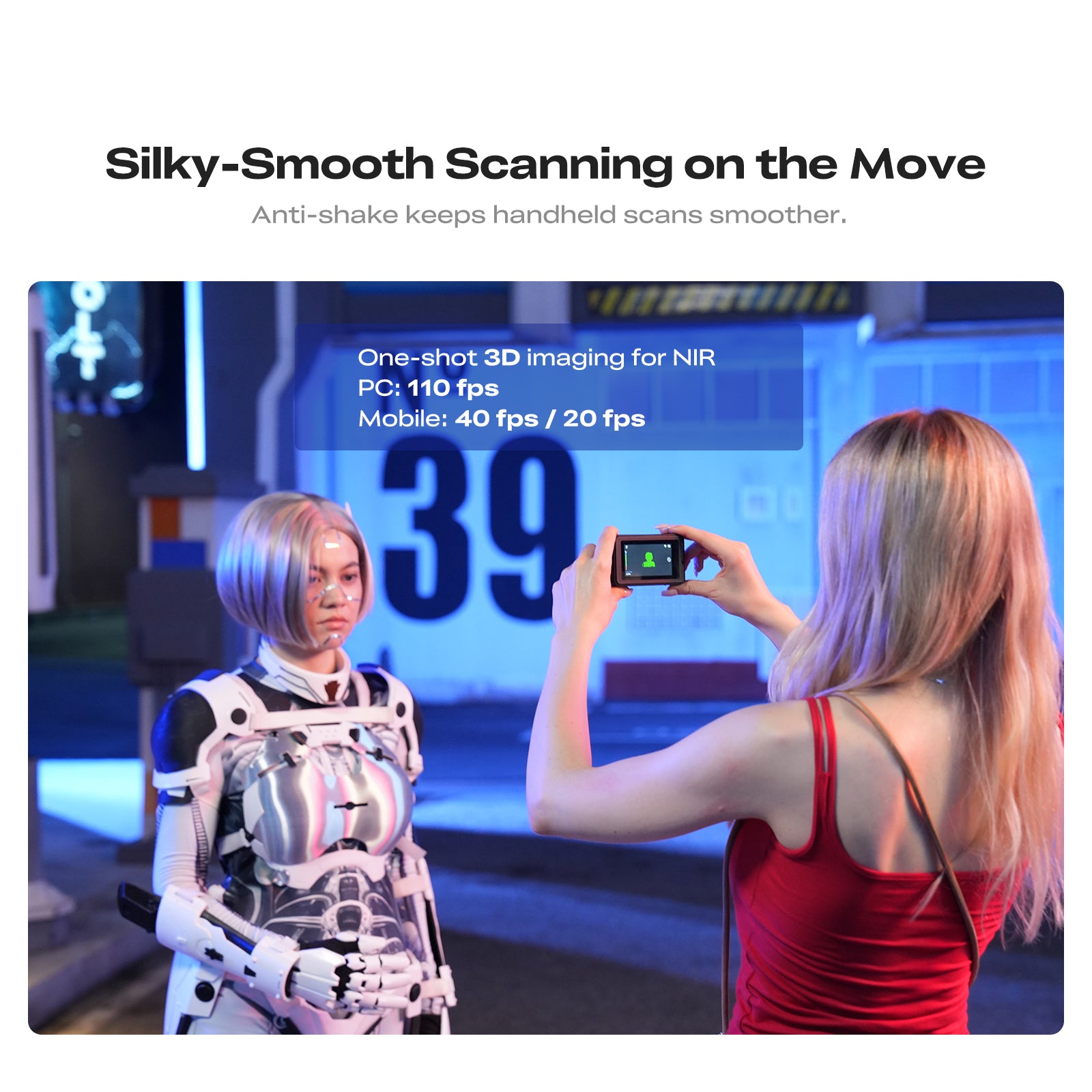
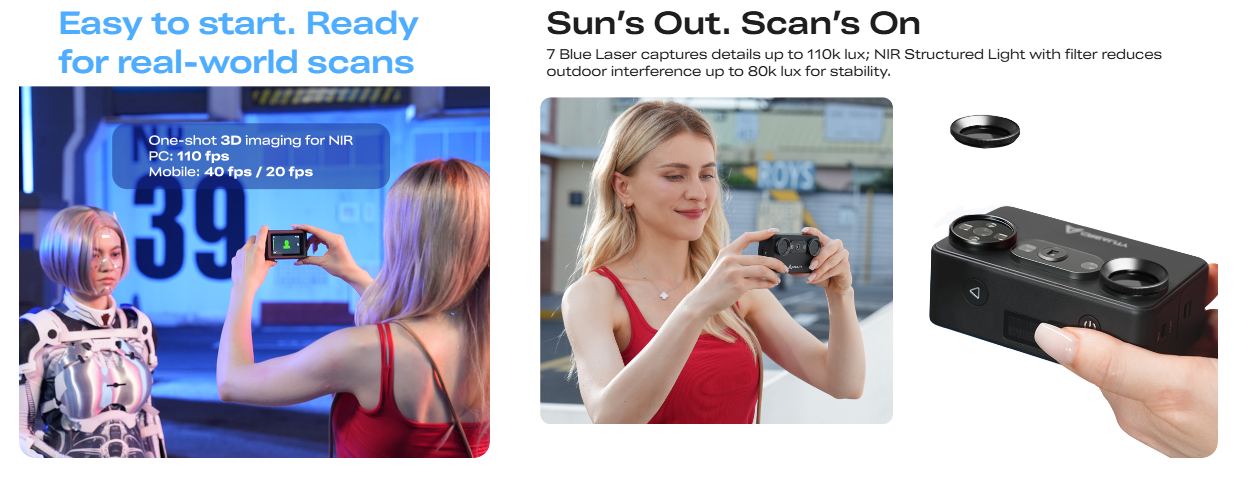
| PC Scanning Speed | Up to 110 FPS / 30 FPS |
| Phone Scanning Speed | Up to 40 FPS / 20 FPS |
| Working Distance | 160–400 mm / 200–1200 mm |
| Outdoor Scanning | Up to 110,000 lux / 80,000 lux with filter |
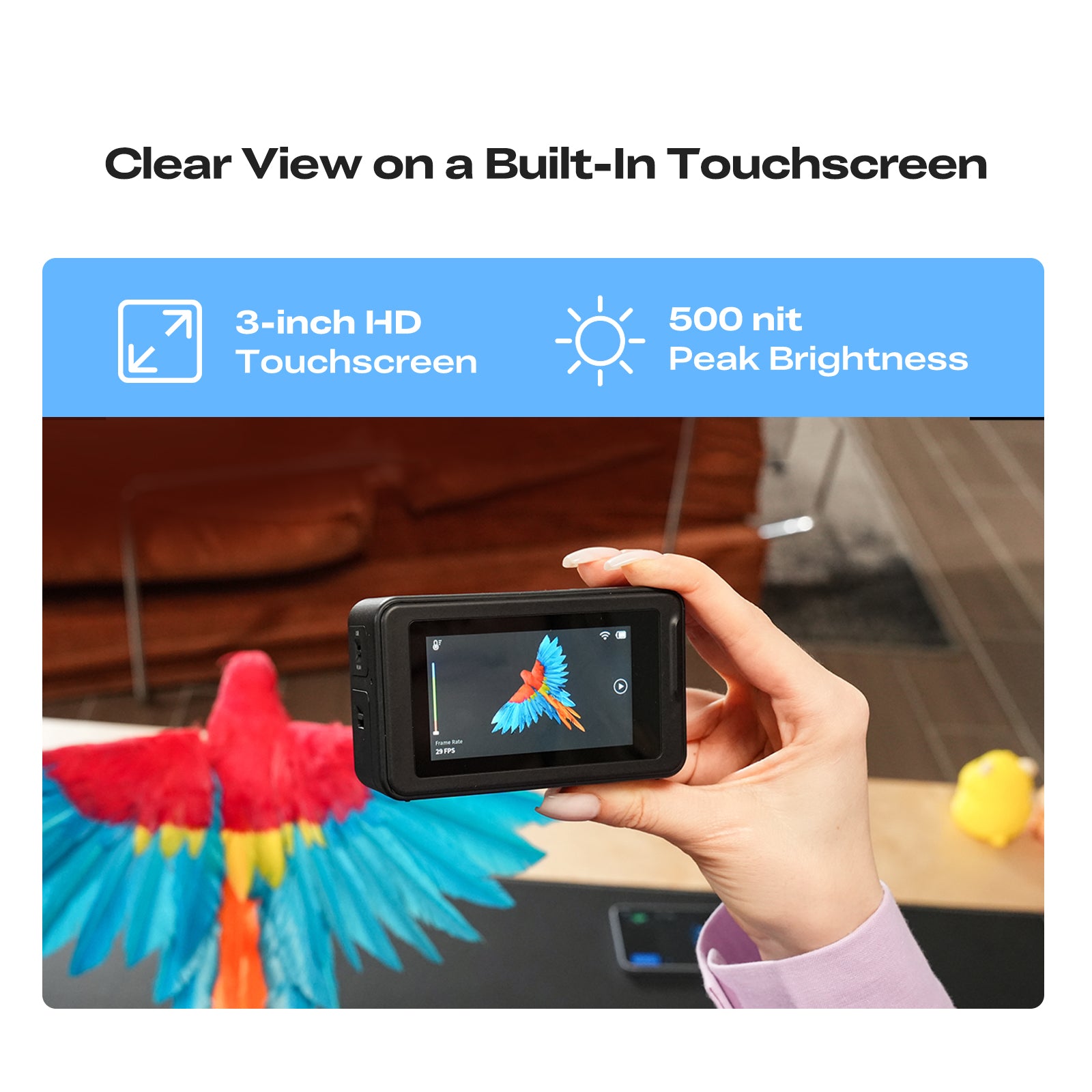
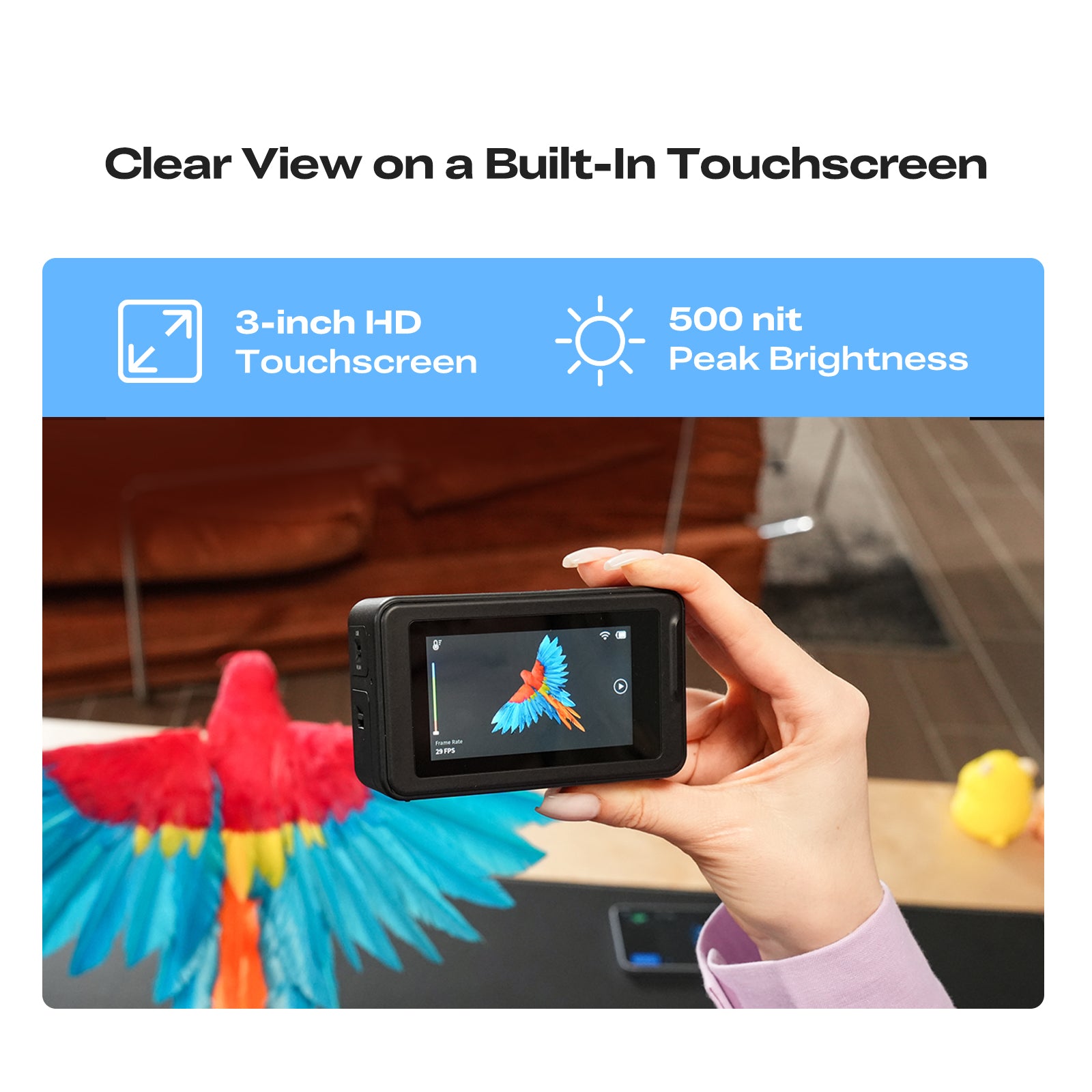
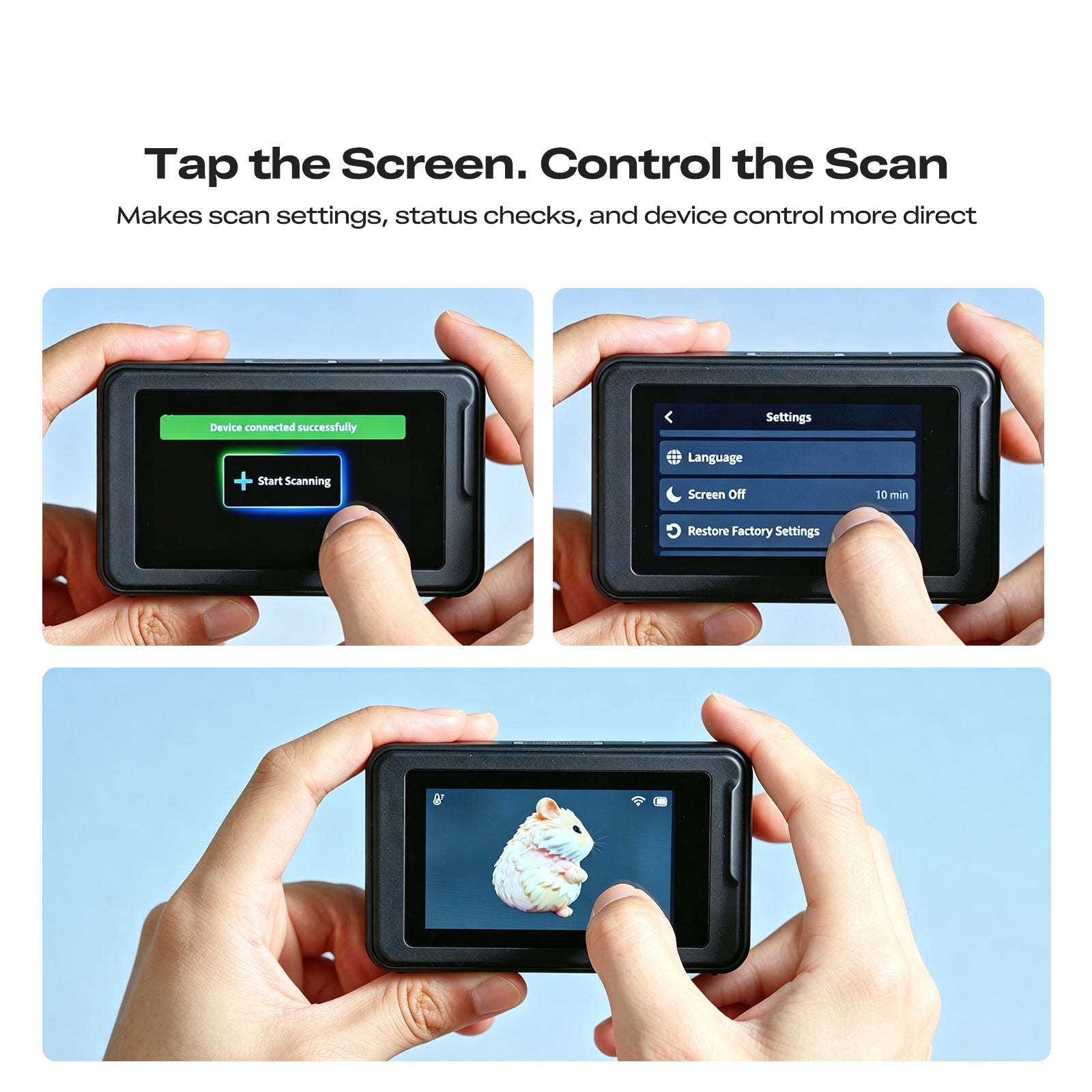
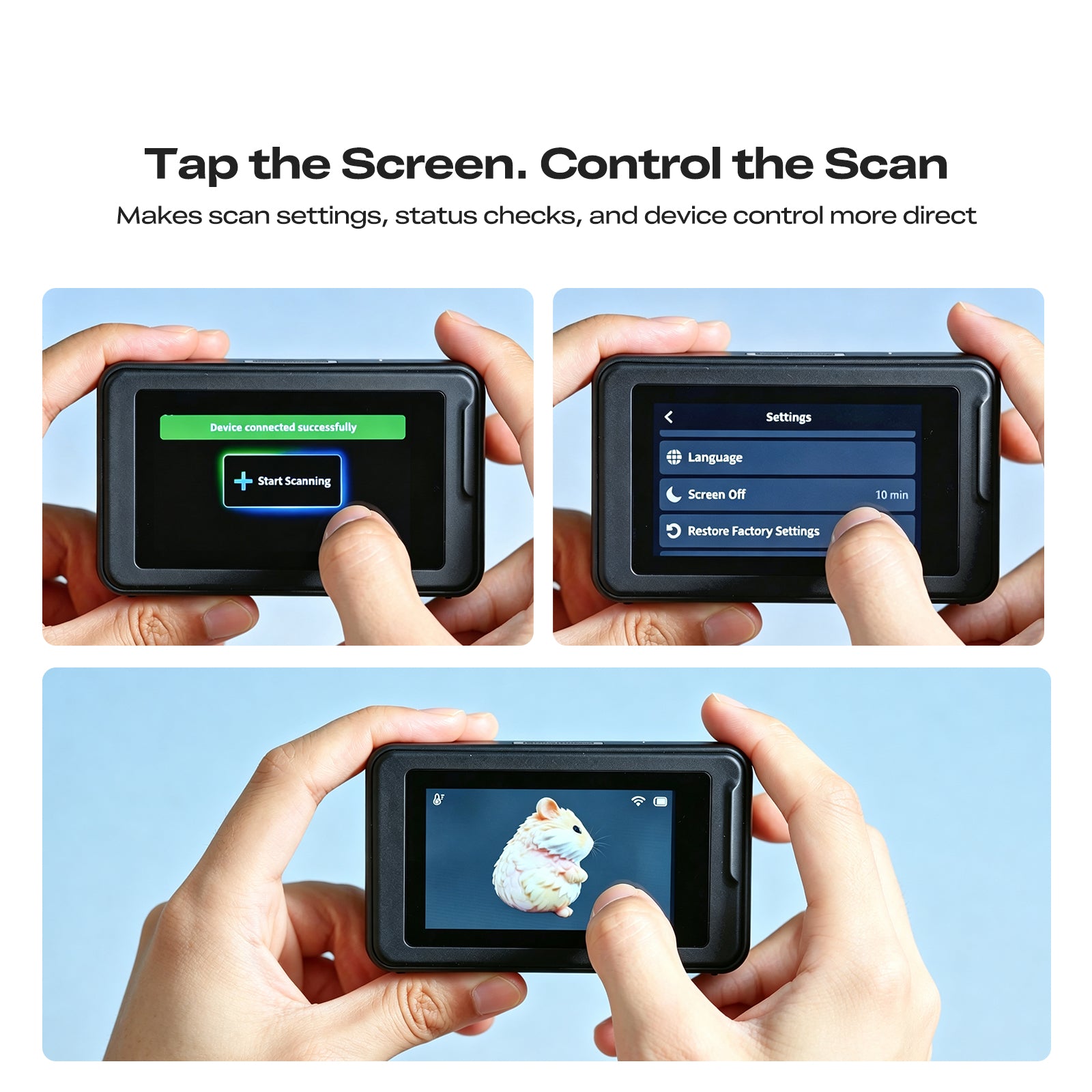
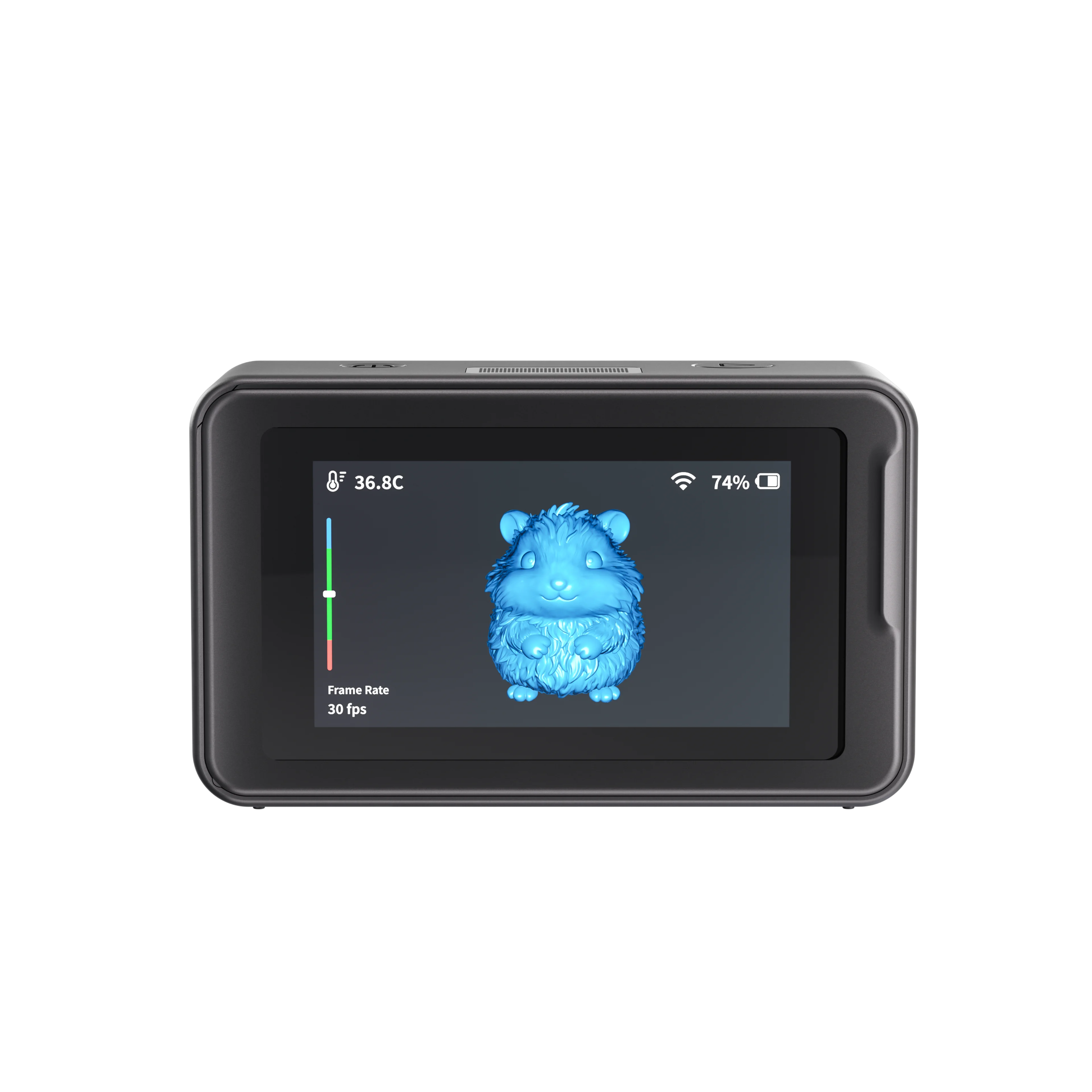
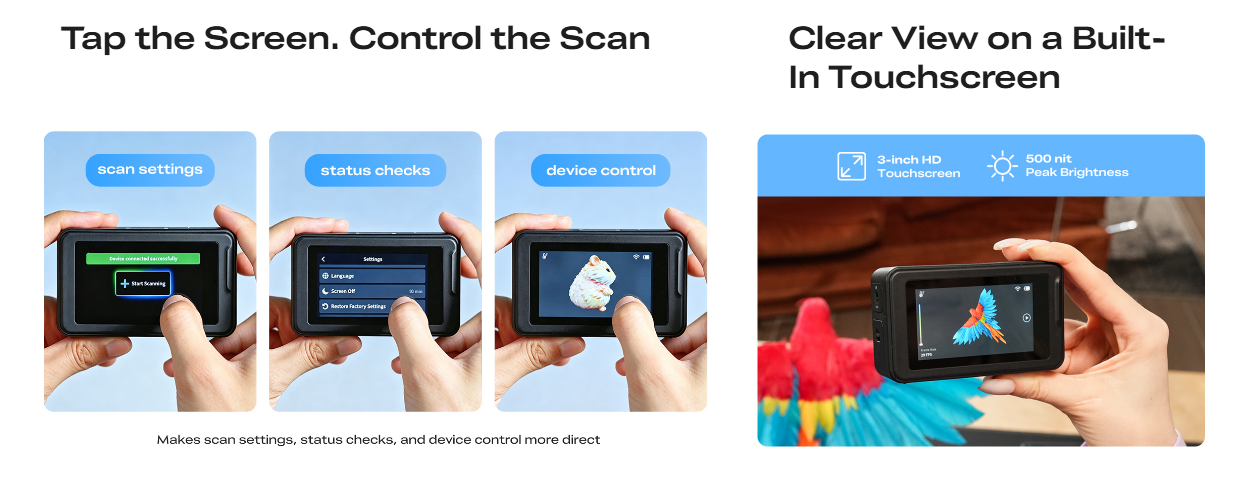
| Display | 3-inch touchscreen |
| Connectivity | USB 3.0 / Type-C / Wi-Fi 6 |
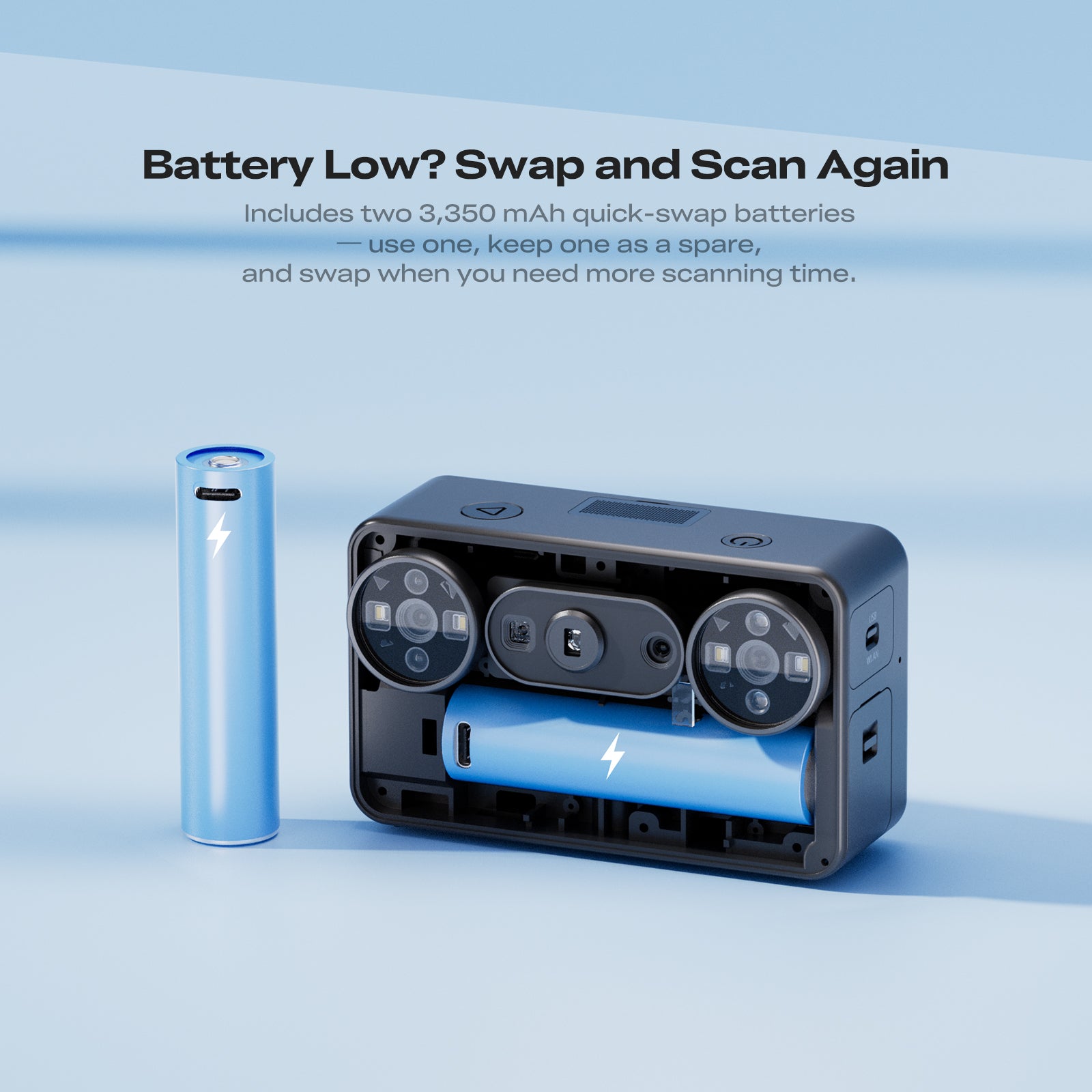
| Battery | 3350 mAh × 2 |
| Weight | 260 g including battery |
| Dimensions | 100 × 60 × 35 mm |
| Export Formats | STL / OBJ / PLY / ASC |
Frequently Asked Questions
1. Is the Creality Pika suitable for beginners?
Yes. Creality Pika features a compact design, a built-in touchscreen, flexible wired and wireless workflows, and AI-assisted processing tools to simplify scanning and model processing.
2. Can the Pika work as a standalone 3D scanner?
No. The Pika must be connected to a compatible phone, tablet, or computer while scanning. It uses the connected device’s computing power for scan processing and model generation.
3. What is the difference between Blue Laser and NIR scanning?
The 7-line Blue Laser mode is designed for capturing fine details, complex contours, and higher-precision results on small to medium-sized objects.
NIR Structured Light is better suited to larger objects, full-colour scanning, human body scanning, and more flexible everyday scanning applications.
4. How accurate is the Creality Pika?
The Blue Laser mode offers accuracy of up to 0.03 mm, while the NIR Structured Light mode offers accuracy of up to 0.1 mm.
Actual results may vary depending on the object, scanning environment, operating distance, vibration, temperature, and scanning technique.
5. Do I need to use markers when scanning?
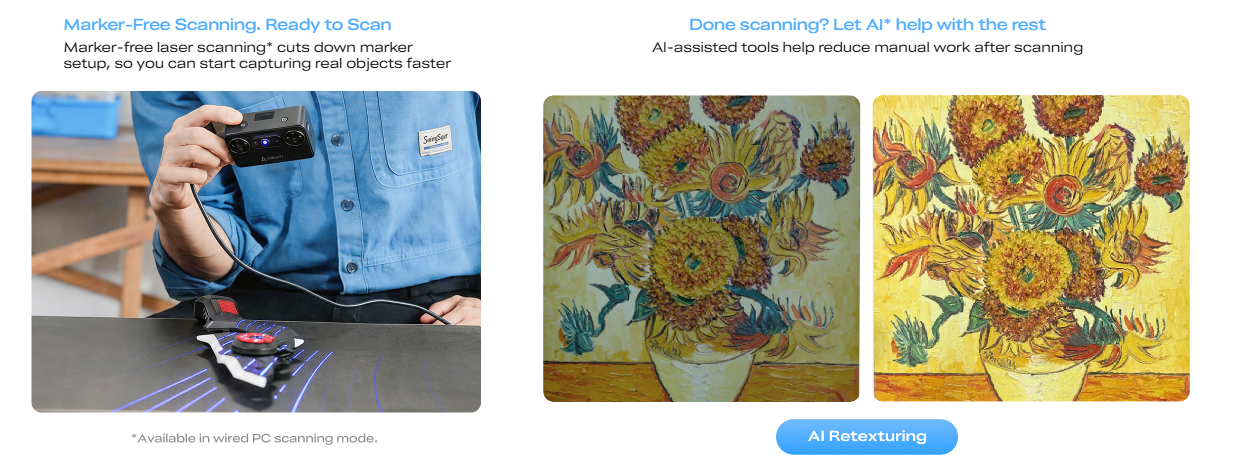
Not always. Pika supports marker-free laser scanning for many everyday objects.
However, markers may still be recommended for objects with few geometric features, repetitive surfaces, reflective materials, or complex shapes to improve tracking and alignment.
Please note that marker-free Blue Laser scanning is currently available in wired PC mode only.
6. What size objects can the Pika scan?
Pika can scan a wide range of objects, from small parts and figurines to sculptures, human bodies, product prototypes, and larger creative references.
The supported scan volume ranges up to approximately 2000 × 2000 × 2000 mm, depending on the selected scanning mode and operating conditions.
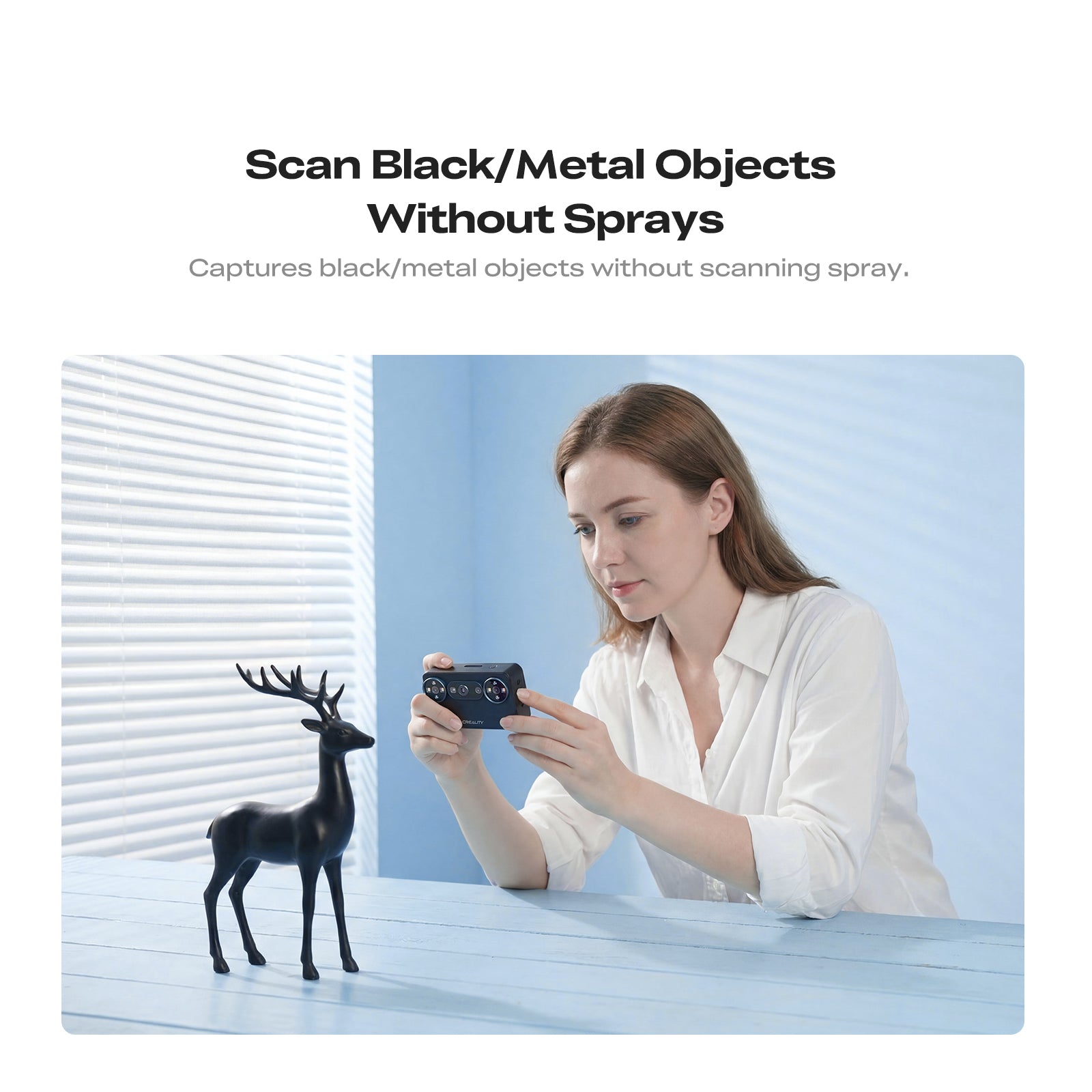
7. Can the Pika scan black or metal objects?
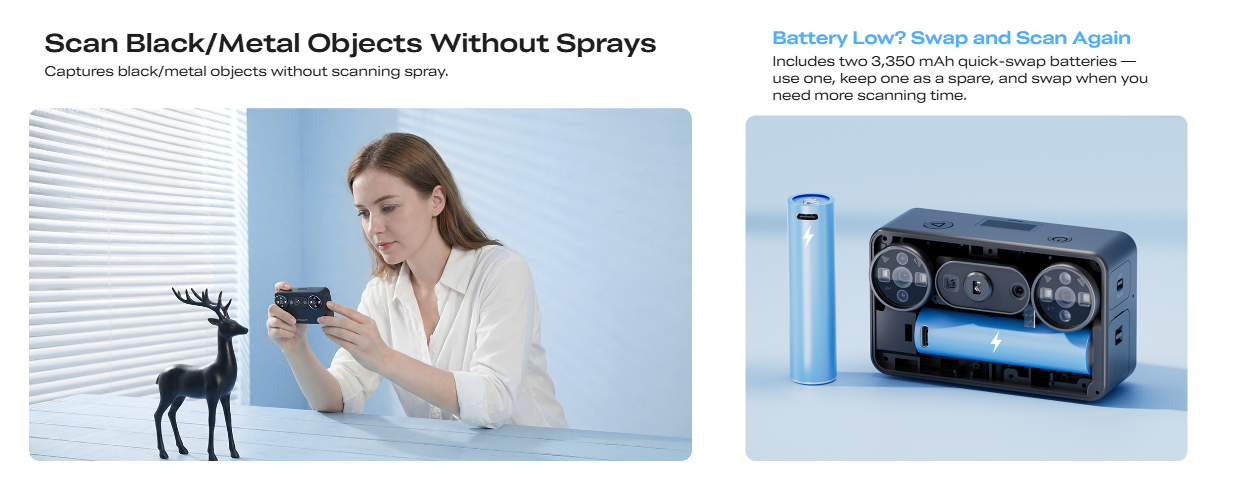
Yes. Pika is designed to scan many black and metal objects without scanning spray.
Highly reflective, transparent, or mirror-like surfaces may still require scanning spray, markers, or additional surface preparation for more stable results.
8. Can the Pika be used outdoors?
Yes. The 7-line Blue Laser mode supports scanning in lighting conditions of up to 110,000 lux.
The NIR Structured Light mode supports up to 80,000 lux when used with the included NIR filter. For the best results, avoid rapid lighting changes and direct reflections.
9. What devices and operating systems are compatible with Pika?
Pika works with CrealityScan software and supports compatible Windows, macOS, iOS, and Android devices.
For smoother scanning and model processing, please check that your device meets the recommended system requirements before purchasing.
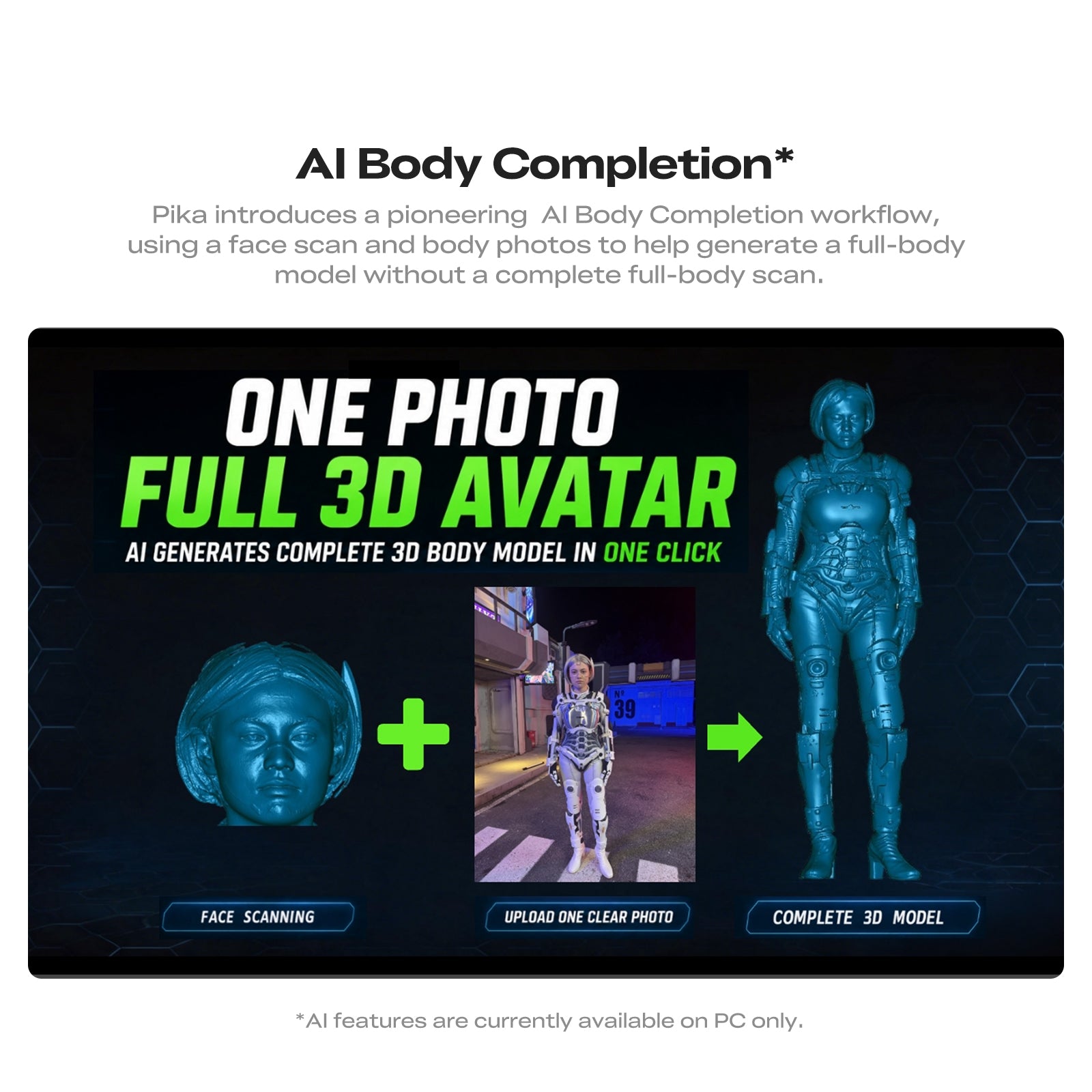
10. Are the AI processing features available on mobile devices?
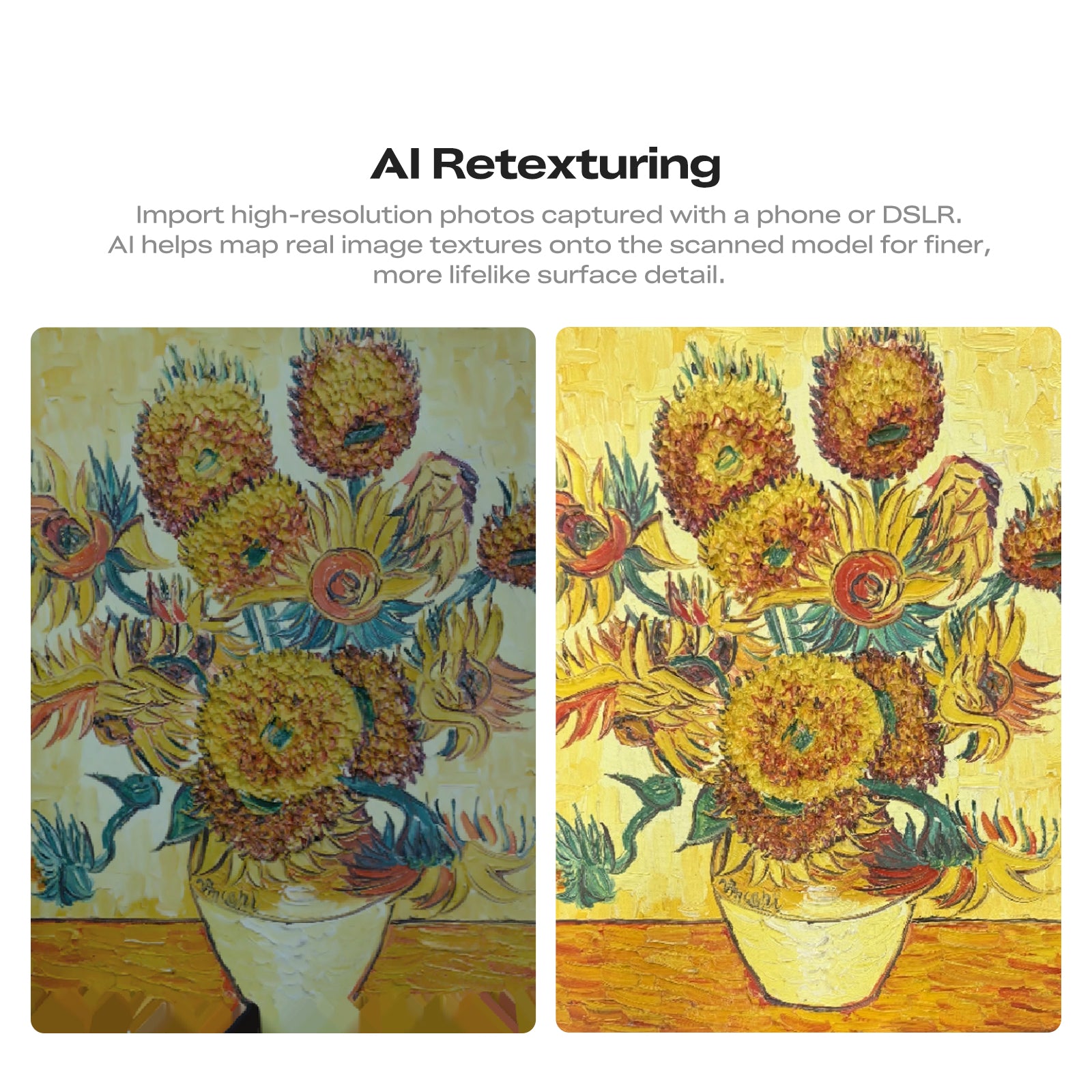
No. AI Retexturing, AI Hole Filling, and AI Body Completion are currently available on PC only.
Mobile devices can be used for supported scanning workflows, but some advanced processing functions may require the desktop version of CrealityScan.
11. Which file formats can the Pika export?
Pika supports STL, OBJ, PLY, and ASC export formats.
STL files are commonly used for 3D printing, while OBJ and PLY can retain additional model or texture information for editing, digital design, and visualisation.
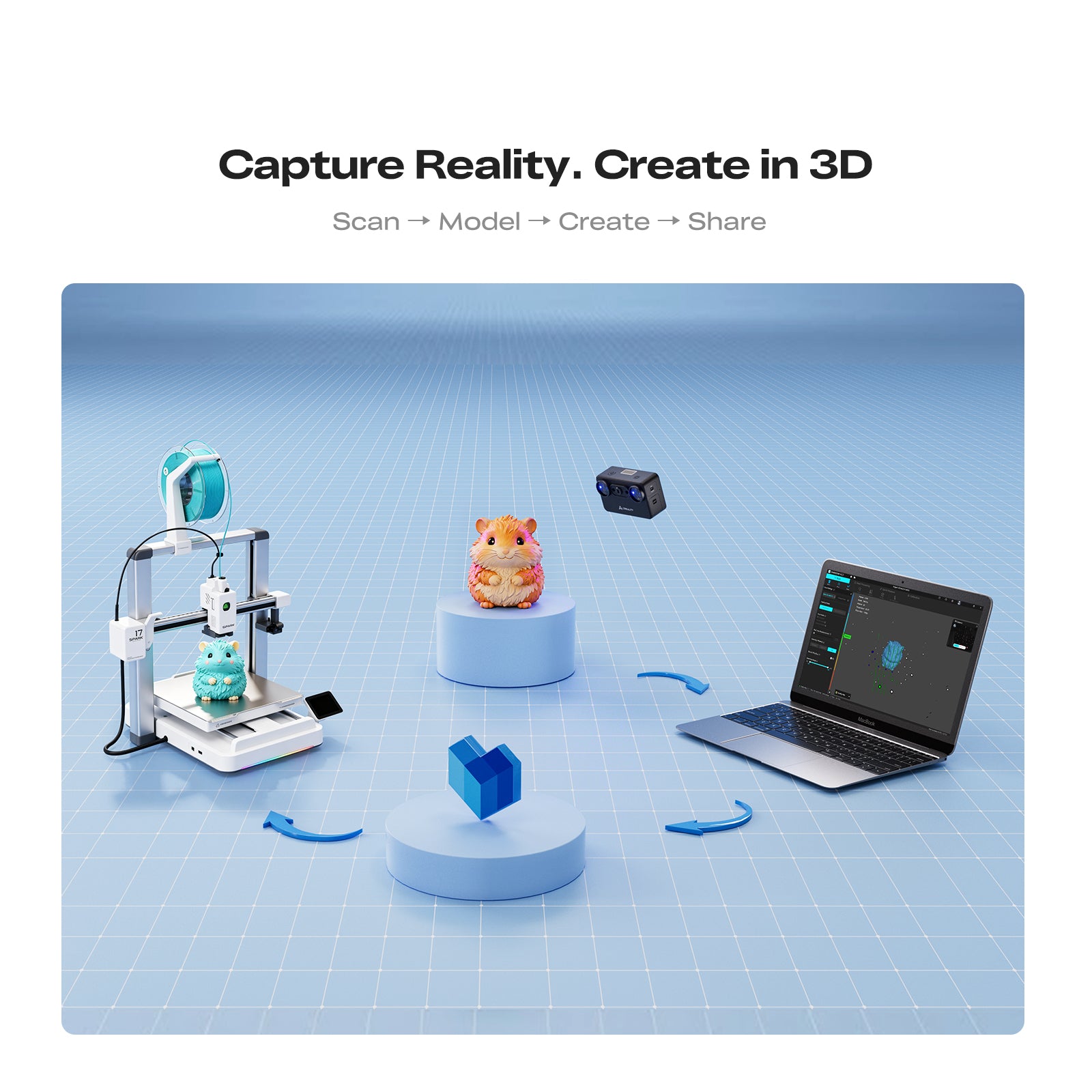
12. Can scanned models be used for 3D printing?
Yes. Models captured with Pika can be processed and exported for 3D printing.
Depending on the scan, some models may require additional cleaning, hole filling, scaling, mesh repair, or optimisation before slicing and printing.
13. How long does the battery last?
A single 3350 mAh battery provides up to approximately 70 minutes of use under suitable operating conditions.
The package includes two replaceable batteries, allowing you to swap batteries and continue scanning during longer sessions.
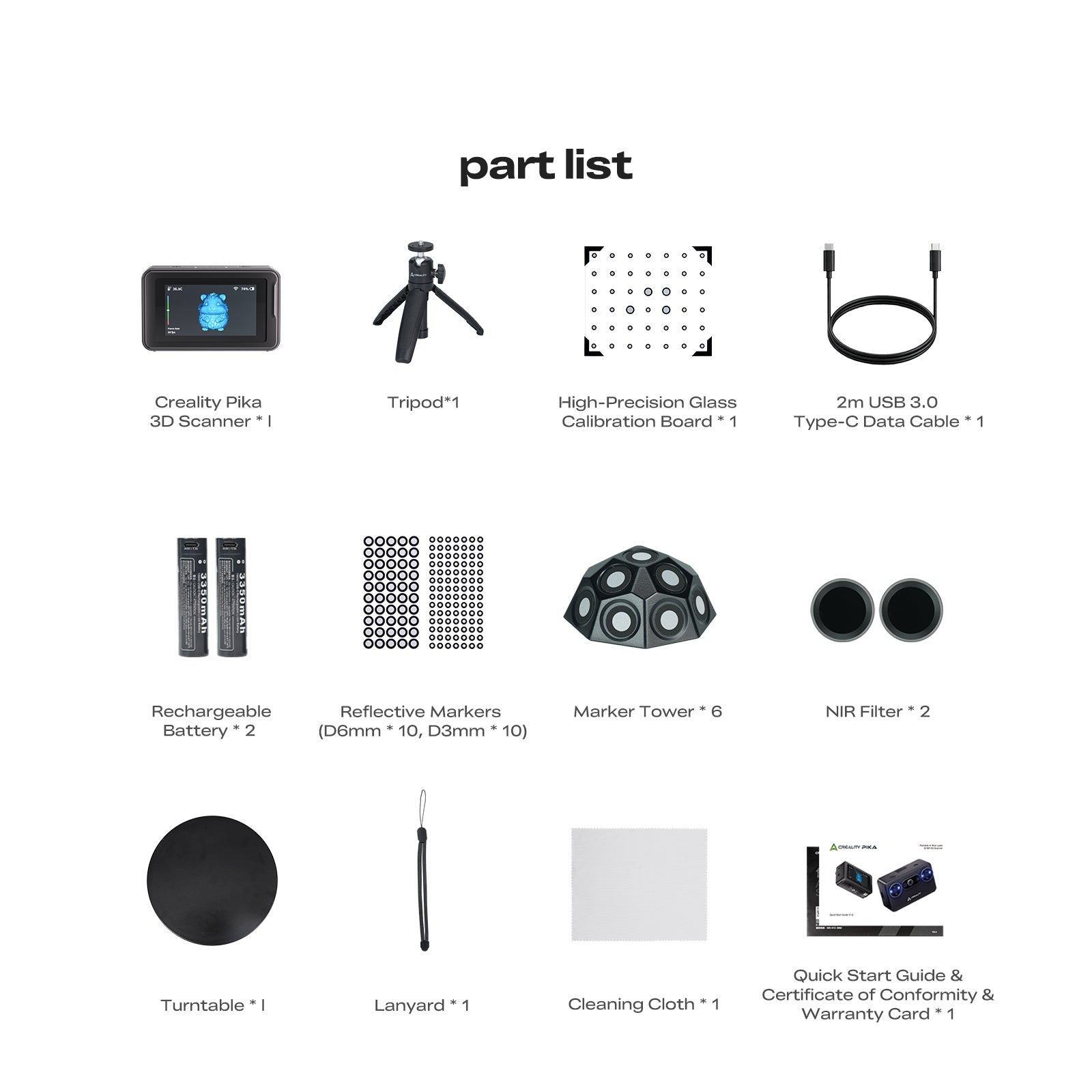
14. What is included in the package?
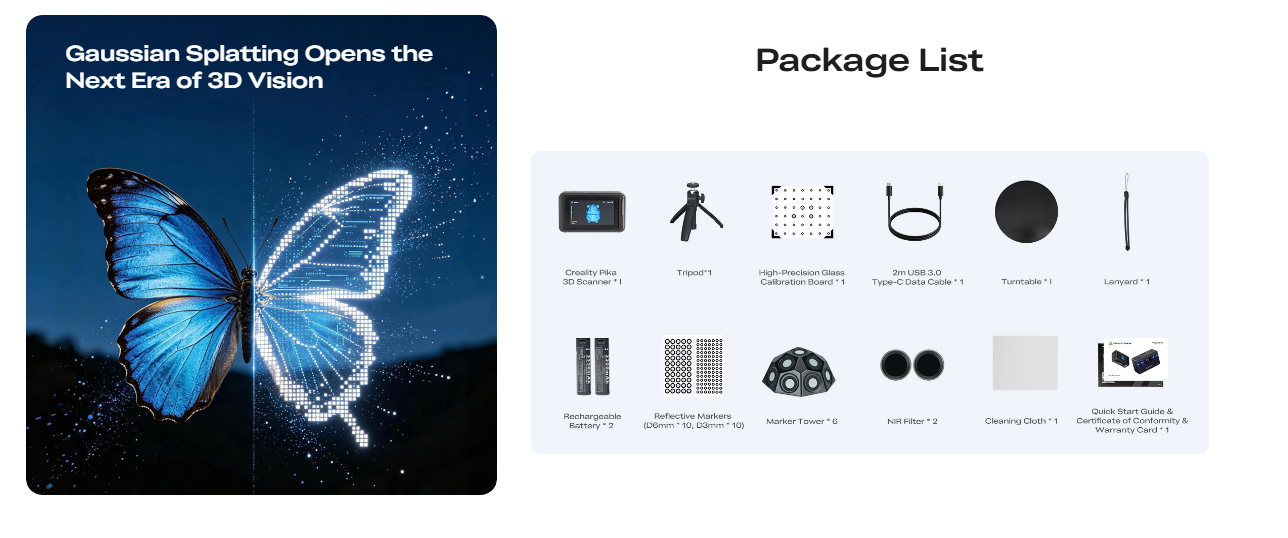
The standard package includes:
-
Creality Pika 3D Scanner
-
Tripod
-
High-Precision Glass Calibration Board
-
2 m USB 3.0 Type-C Data Cable
-
Two Rechargeable Batteries
-
Reflective Markers
-
Marker Towers
-
NIR Filters
-
Turntable
-
Lanyard
-
Cleaning Cloth
-
Quick Start Guide
-
Certificate of Conformity
-
Warranty Card
Package contents may vary by region or product bundle. Please refer to the package list shown on the product page before ordering.
15. When will pre-orders be shipped?
The estimated dispatch date is [add the confirmed dispatch date here].
Pre-order delivery times may vary depending on availability, destination, and order volume. Customers will receive tracking information after their orders have been dispatched.
Based on 0 reviews
Write A Review
Ask A Question